Split
Function Description: The split function supports dividing a vector object into two vector objects based on the split line you create. The split function supports line, polyline, polygon, and multipolygon vector objects.
Steps
Click the Split
 button in the vector editor.
First, select the vector object to be split, then draw the split line using the left mouse button.
Double-click the left mouse button to complete the split. As shown below:
Before Splitting a Vector Line:
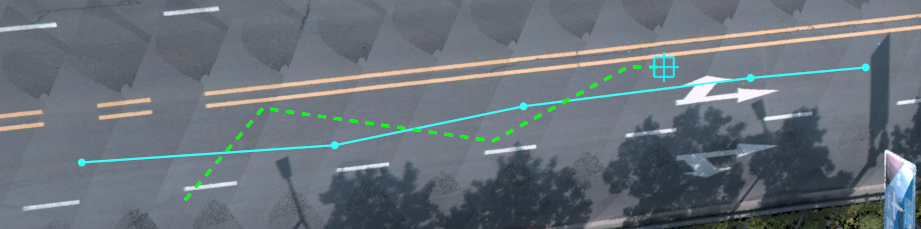
Before Splitting
- After Splitting a Vector Line:
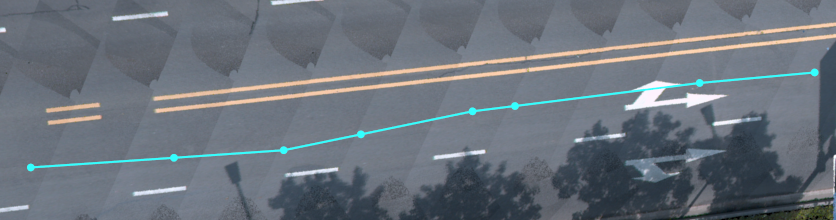
After Splitting
- Before Splitting a Vector Polygon:
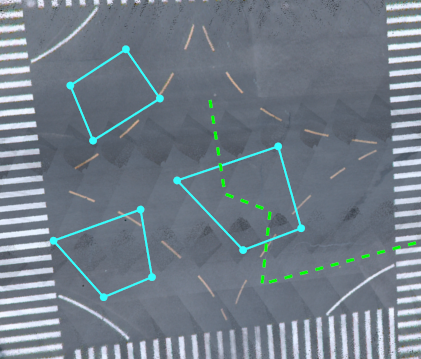
Before Splitting
- After Splitting a Vector Polygon:
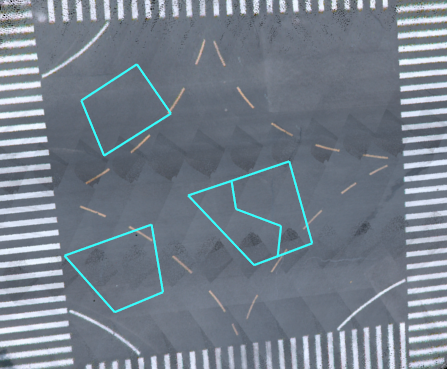
After Splitting