Find and Go to Line
Find
- Select Home > Find, or press
Ctrl+F. - Enter text and configure regular expression, case, whole-word, wrap-around, and direction options as needed.
- Select Find Next.
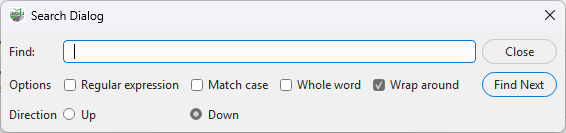
Find script text
Go to Line
- Select Home > Go to Line, or press
Ctrl+G. - Enter a line number and confirm.
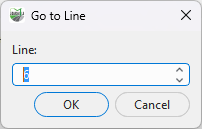
Go to a line
Options
Find supports text or regular expressions, case sensitivity, whole words, direction, and wrap-around. A single-line selection is used as the initial search text. Invalid regular expressions are reported in the dialog and status bar. Go to Line is also useful with line numbers reported by diagnostics.