Import DJI Model
Feature Description: Import Gaussian results reconstructed by DJI Terra into the software with one click for rendering, measurement, editing, and more.
Steps
1.Click the Import DJI Model button to open the file selection dialog.
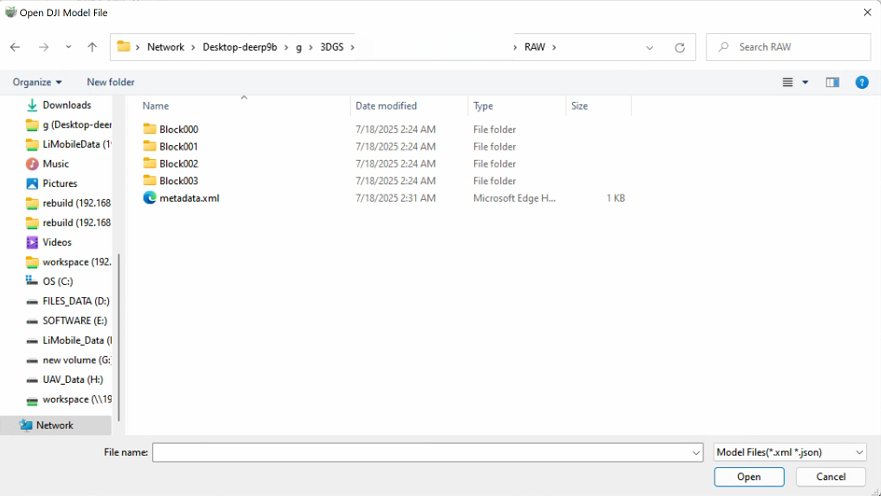
2.Select Model File: In the loading interface, browse the file directory and select the desired DJI Gaussian model file. Supported formats include: .xml + Block/LOD/.ply, and .json + block/.glb. After confirming the file selection, click the "Open" button to start format conversion. If the model exceeds 20 million points, the software will prompt whether to convert LOD. It is recommended to proceed with LOD conversion for smoother performance. Regardless of LOD conversion, the software will prompt you to choose a new data storage location. It is advised to store the data separately from the original data.