Measure Coverage
Steps
1.In the Toolbox, select Data Management >> Point Cloud Tools >> Measure Coverage, or directly type Measure Coverage in the search bar and double-click to open the interface as shown below:
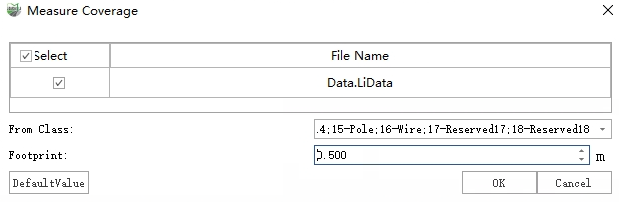
2.First, select the target polygon area(s) (multiple selections are supported), then set the parameters in the dialog box and click OK.
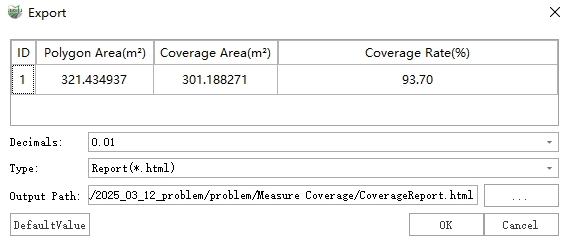
3.After the calculation is completed, an Export dialog box will appear as shown below. You can choose to export the results as a report, DXF file, or text file.
Parameters
From Class: Specifies the point class used for coverage calculation.
Footprint: The diameter of the "circular coverage area" represented by each point. During coverage computation, each point is assumed to cover a circular area. The diameter should be sufficiently large to compensate for "gaps" caused by the scanning pattern.
Decimals: The number of decimal places used when labeling coverage percentages within the polygon. Up to two decimal places can be set.