Area Anno
Function Description: Add area annotations to vectors in the floor plan layer
The area annotation style can be adjusted in Drawing Settings.
Steps
1.Click Area Anno button.
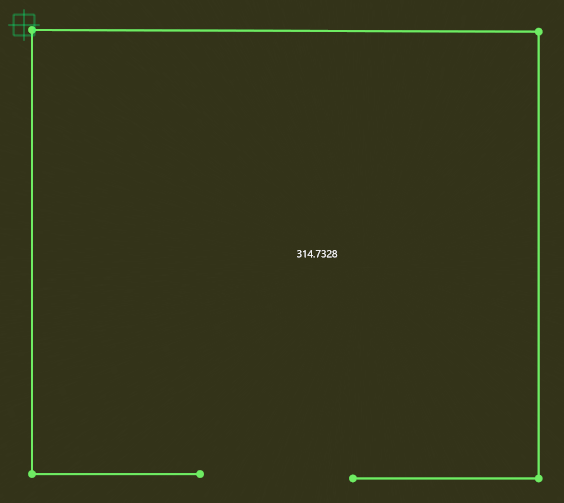
2.Select vector endpoints in sequence to add area annotations. The function includes four built-in labels: Empty, Living Room, Master Bedroom, and Secondary Bedroom. These can be switched using keyboard input.
Note: To ensure accurate area calculation, make sure to select exactly on the endpoints
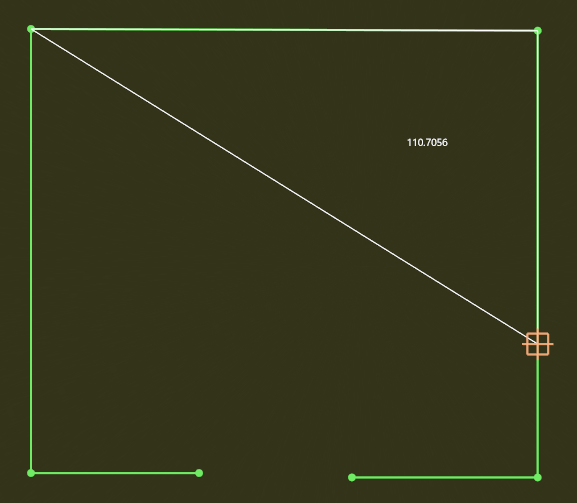
3.Final result