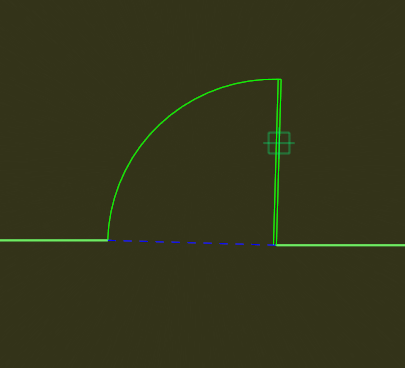
Create Door
Function Description: Built-in door vector templates for quickly creating door vectors
The door vector style can be adjusted in Drawing Settings.
Steps
1.Click Create Door button
2.Use the left mouse button to sequentially select the two edges of the door. To ensure seamless connection with walls, these points are usually selected at the endpoints of wall vectors.
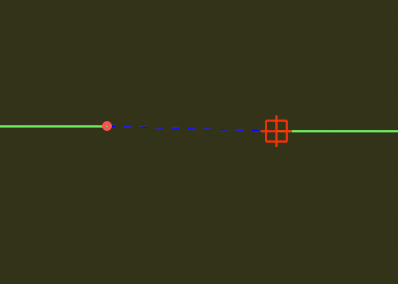
3.Move the mouse to choose the door opening direction, then left-click to finish creation.