Select Profile Region
Step
Move the mouse to the main Gaussian window and zoom and pan the scene to the target area.
Click the left mouse button to establish the first endpoint, move the mouse, and click the left mouse button to establish the second endpoint. The two endpoints are used to determine the direction of the profile.
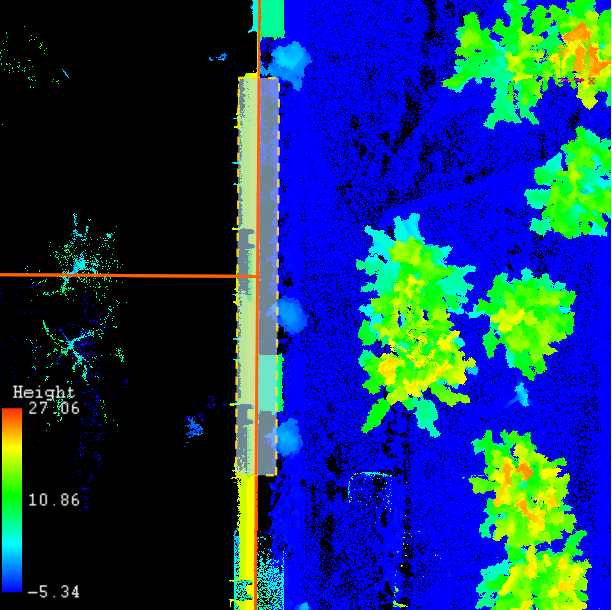
Move the mouse to determine the profile width, move to the appropriate width and double-click the left mouse button to complete the profile area selected, the Profile window will display the current selection of the profile area of the Gaussian data.
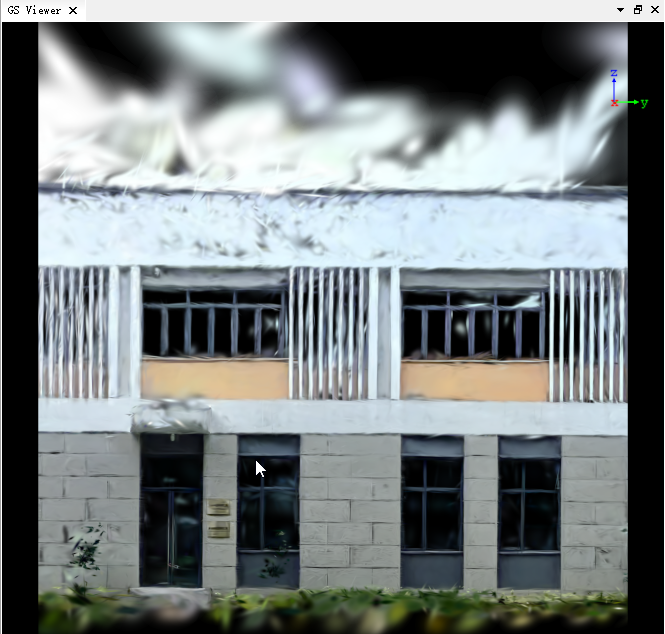
After selecting the profile area, the selection area may need to be adjusted according to different application scenarios. LiDar360 mls provides a variety of flexible selection area adjustment methods.
Note: The above selection area settings can be mixed.