Azimuth
Function Description: Defines a reference tree and north direction globally and calculates the azimuth and horizontal distance of all trees.
Function Description
This function uses a specified tree as the reference point and a specified direction as north to create a polar coordinate system, then calculates azimuth and horizontal distance.
Steps
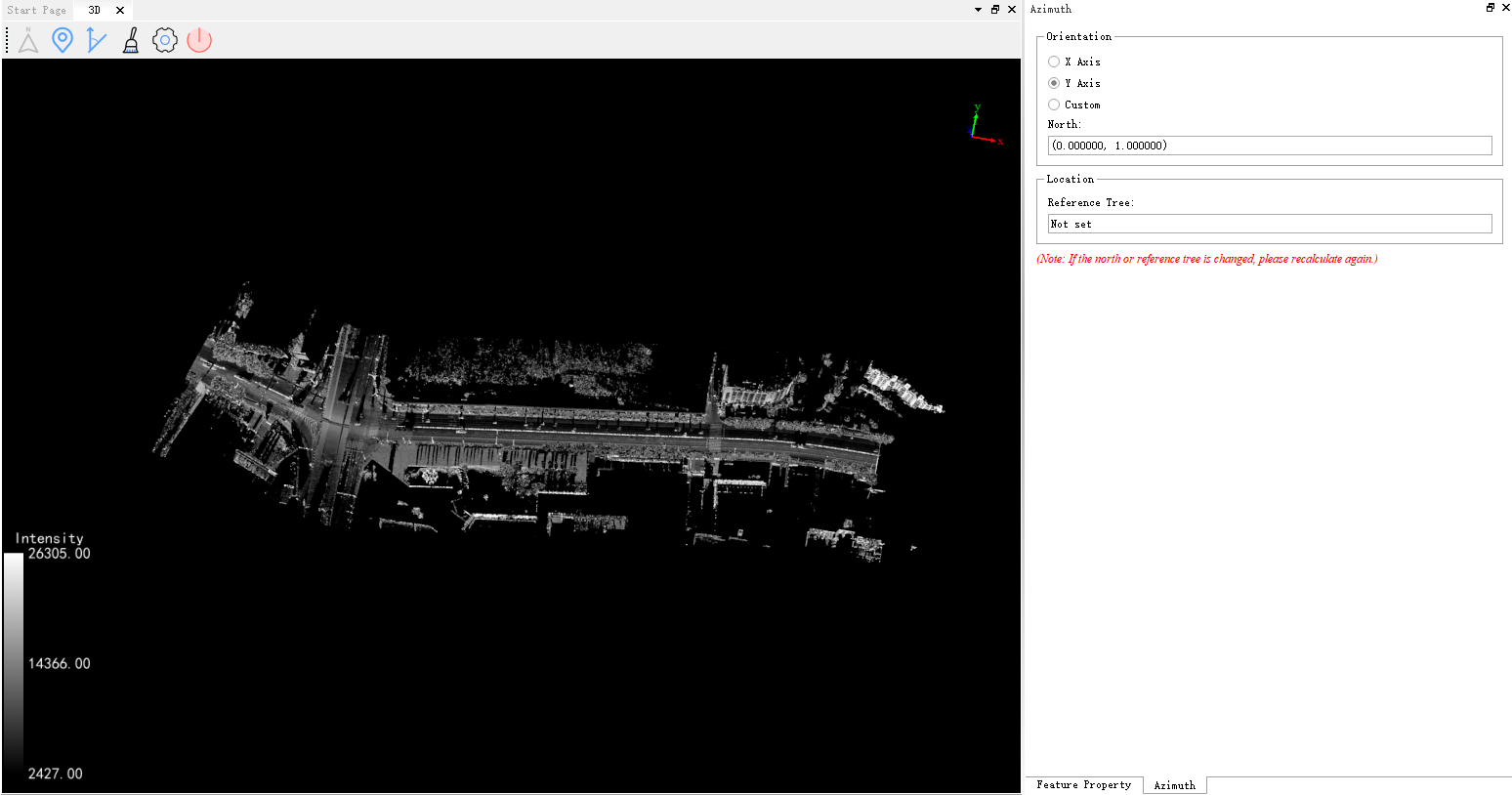
1.Click Azimuth . The Azimuth toolbar and settings window appear:
Function Description
- Orientation: Specifies north using X, Y, or Custom mode. Custom mode determines north by drawing two points.
- Location: Selects an individual-tree seed point as the reference tree.
- Calculate: After north and the reference tree are set, calculates azimuth and horizontal distance for all individual-tree seed points and writes the values to the corresponding fields.
- Clear: Resets north and the reference tree and clears the seed point azimuth and horizontal distance values.
- Exit: Exits the function.
2.Click the button for setting the reference point, choose the required direction in the Azimuth dialog box, select a seed point as the reference tree, verify its ID under Location, and click Calculate.
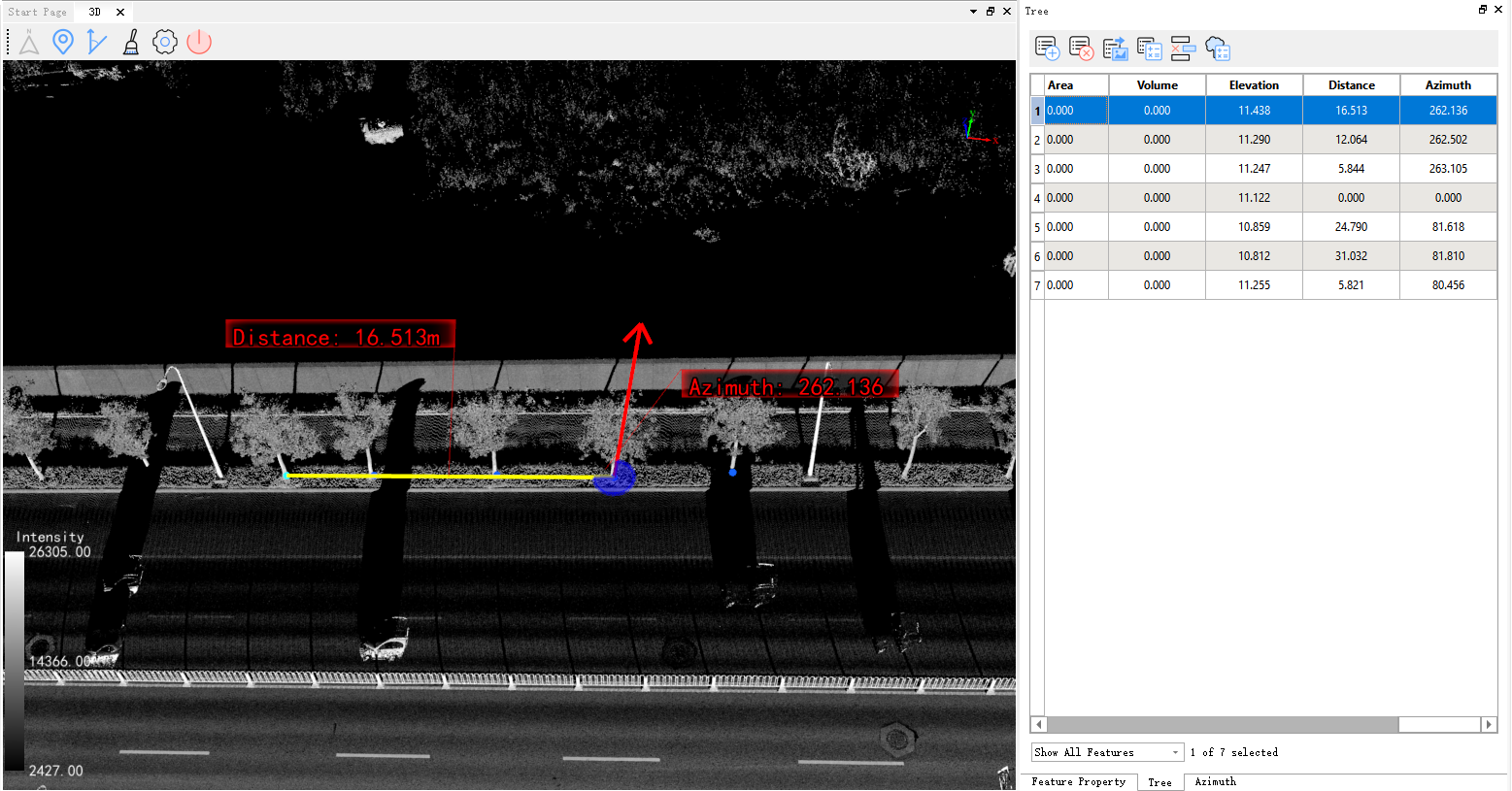
3.After calculation, select the Tree layer in the directory tree, open its attribute table, and select a seed point to view its direction and angle relative to the reference point. The results are stored in the corresponding fields.