DBH & Height
Function Description: Directly measures the DBH and height of individual trees.
Function Description
This function automatically generates individual-tree vector points at seed point locations and measures DBH and tree height using points within a cylinder.
Steps
1.Click Calculate . The DBH and Height Calculation dialog box appears:
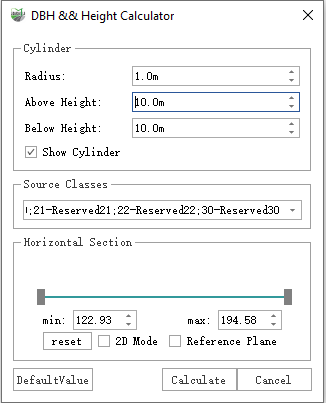
Parameter Description
- Tree Points Class: The class containing tree point clouds.
- Radius: The cylinder radius centered on the seed point.
- Above Height: The cylinder height above the seed point.
- Below Height: The cylinder height below the seed point.
- Show Cylinder: Controls whether the cylinder is displayed using the configured parameters.
2.Adjust the cylinder parameters and set the individual-tree point cloud class in the dialog box.
3.Select the seed points to calculate as required:
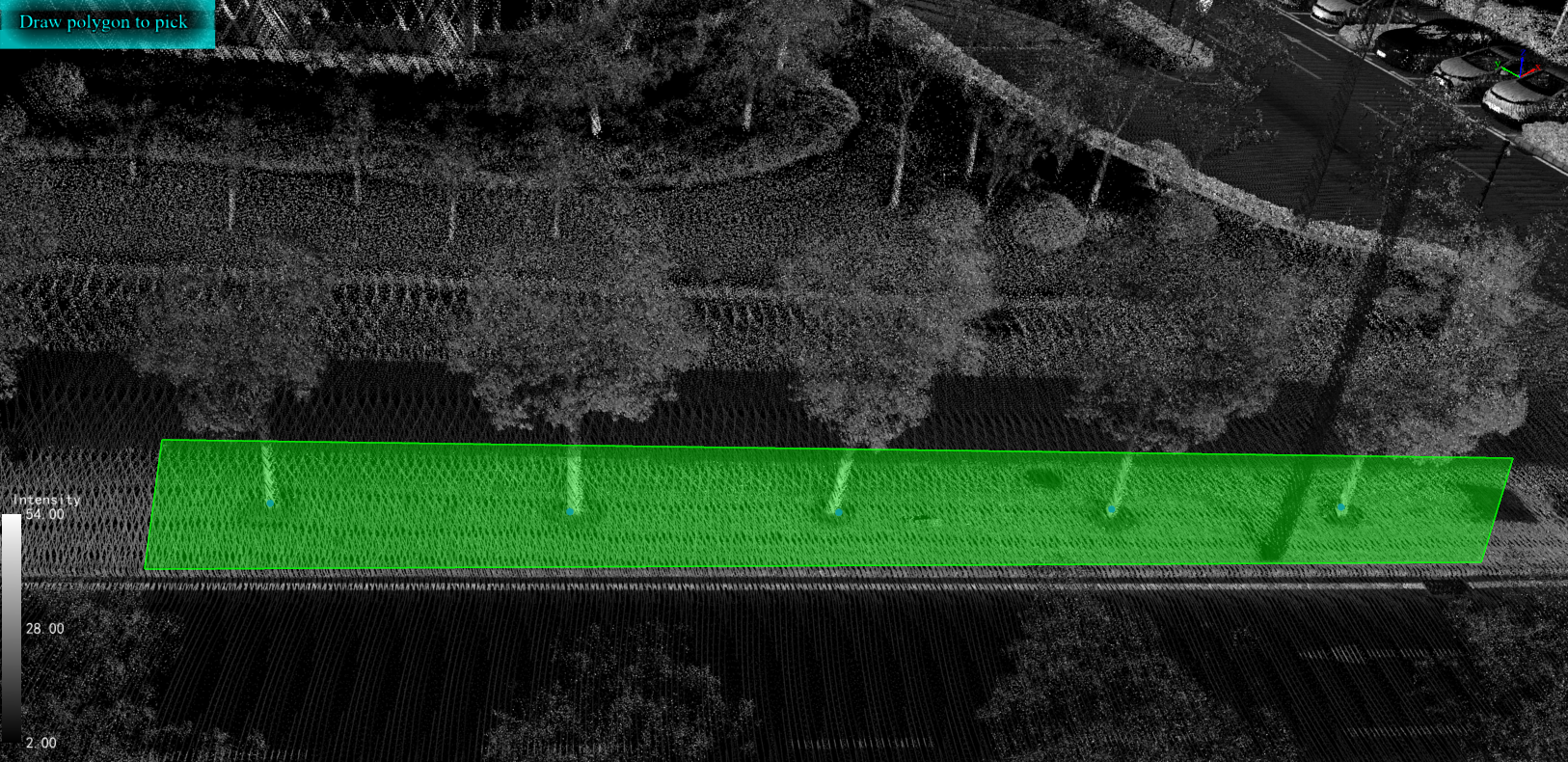
Select Seed Points
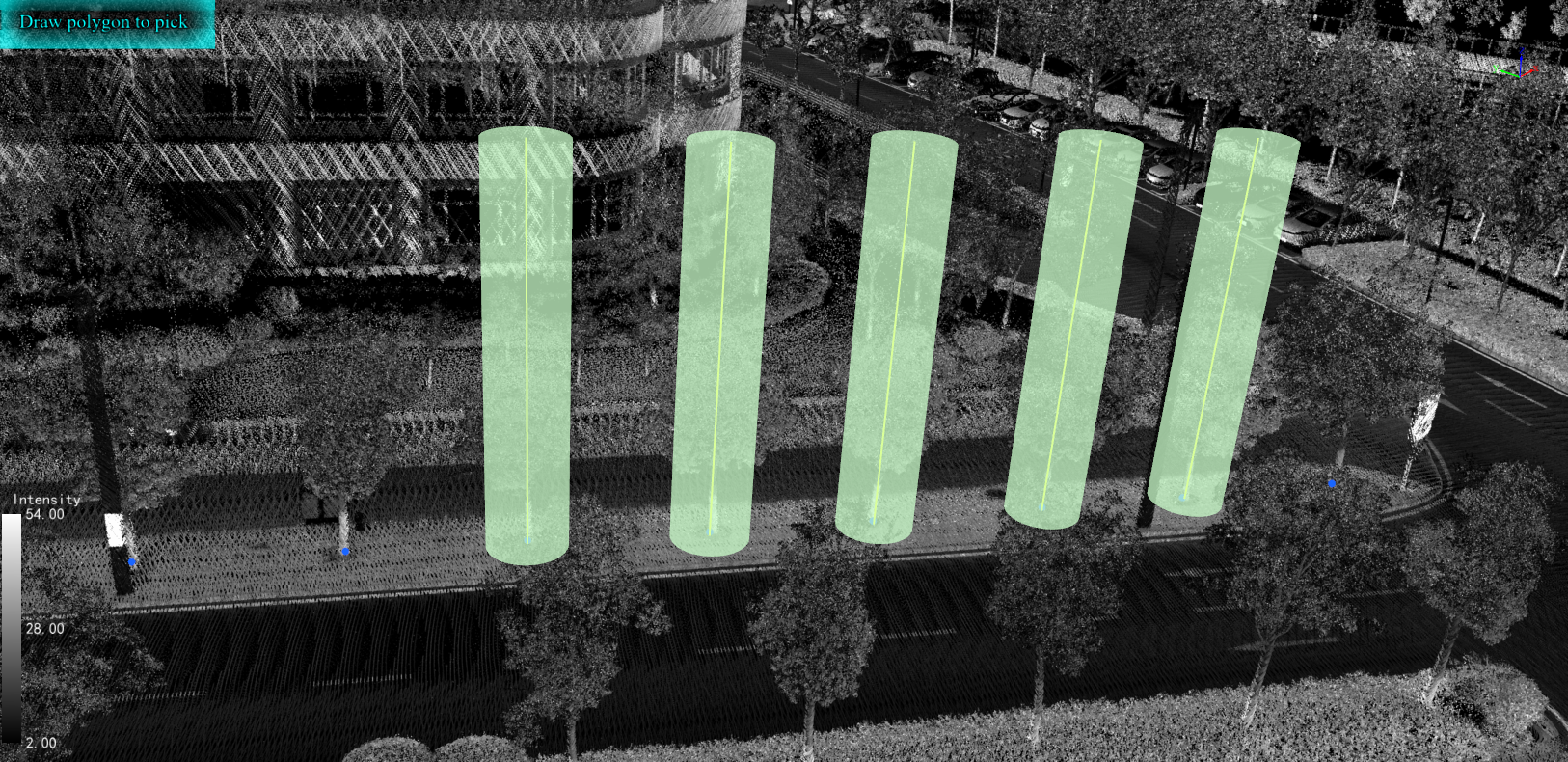
Selected Seed Points
4.Click Calculate to measure the selected seed points. The DBH and height values can be viewed in the Tree attribute table.