PVS Click
Function Description: Perform visual segmentation via point selection.
Steps
Click the Object Editor
 button to activate the editing environment, then click the PVS Point Selection
  button in the Gaussian window toolbar to activate the function.
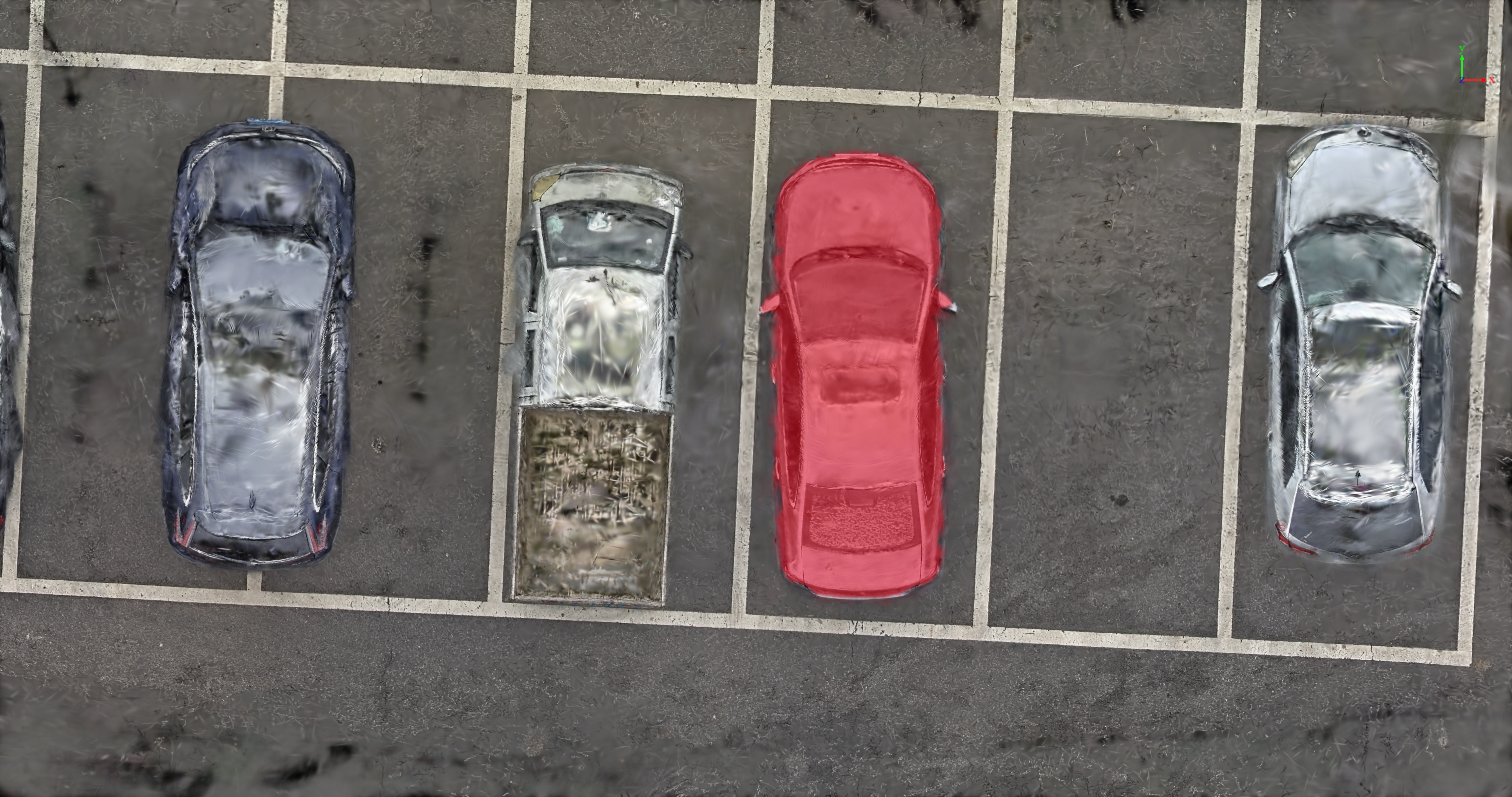
Click to select the area you want to extract. Right-click to open the context menu, choose to extract the desired selection using positive or negative points, and the selected area will be highlighted as shown below:
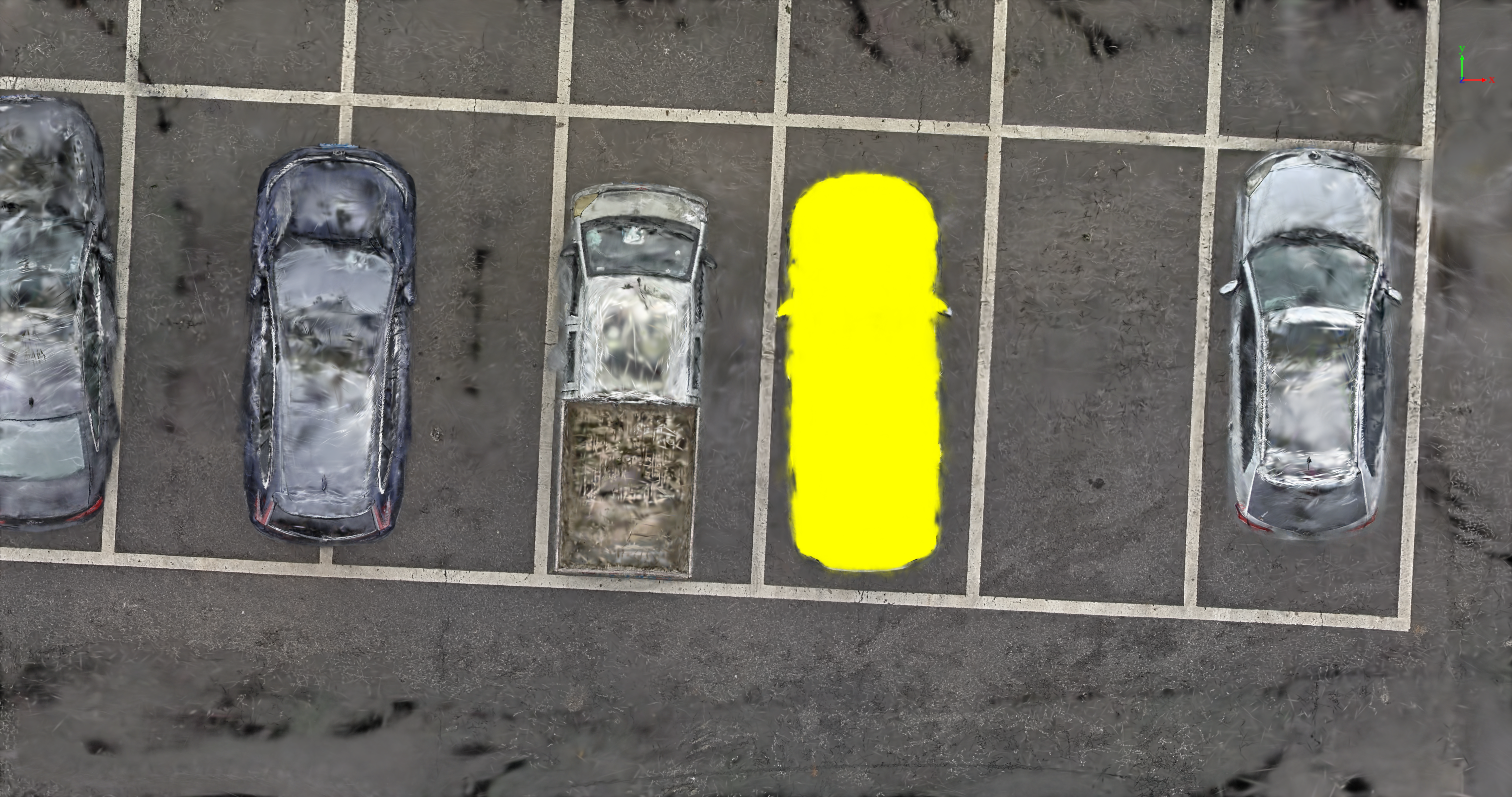
- Click the Save button. The current classification will be written to the attributes and labels, allowing for further editing, as shown below: