Clear Tree ID
Function Description: Clears the Tree ID values from point cloud data without clearing the related vector points.
Steps
1.From the Tools drop-down menu , click Clear Tree ID
 . The following dialog box appears:
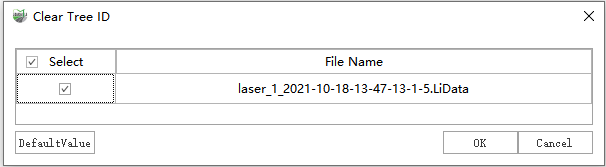
Clear Tree ID
2.Select the point cloud file whose Tree ID values need to be cleared, click OK, and wait for the operation to complete.
- Clear Seed Points: When selected, clears all seed points from the Tree layer.