View Switch
Function Description:Sections can be switched to front view, back view, left view and right view
Step
By default, the profile shows the front view of the selected rectangular area.
Click
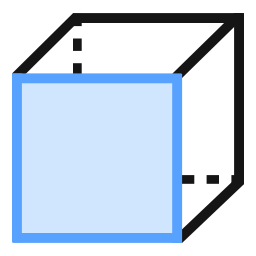 to set it to the front view.
Click
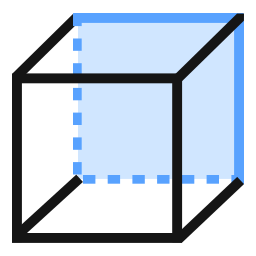 to set it as back view.
Click
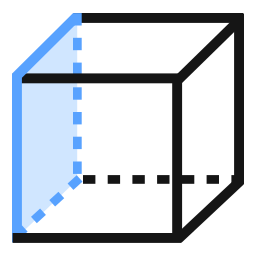 to set it as left view.
Click
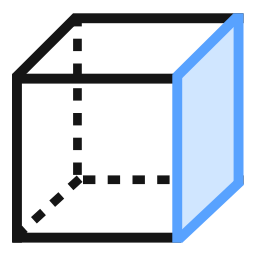 to set it as right view.