Export Image
Function Description: Export all the images stored in the Image field to a specified directory, using the ImageName field value as the filename with the ".png" extension.
Steps
- Open the attribute table of the feature class or table. In the top toolbar, click on Export Image
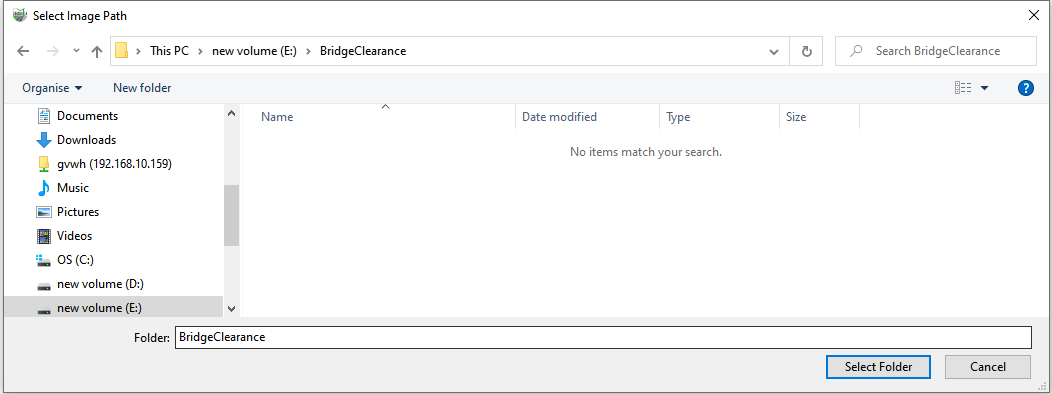
 to open the output folder selection dialog. Choose the destination folder where you want to save the images and click the "Select Folder" button, as shown in the following image:
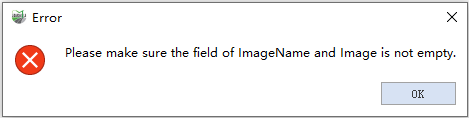
- If the Image or ImageName field contains empty values in the current attribute table, a dialog box will indicate that required field values are missing, and the export will fail.