Pick
Function Description: Uses the point cloud "TreeID" attribute and the tree seed point "Object ID" association to display selected field information for the corresponding seed point.
Steps
1.Click Pick . The following window appears:
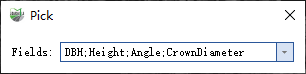
Pick
2.Select the fields to display. DBH, Height, Angle, and CrownDiameter are selected by default. Unselected fields are not displayed.
3.Select an individual-tree point containing the "TreeID" attribute to display the selected field information.
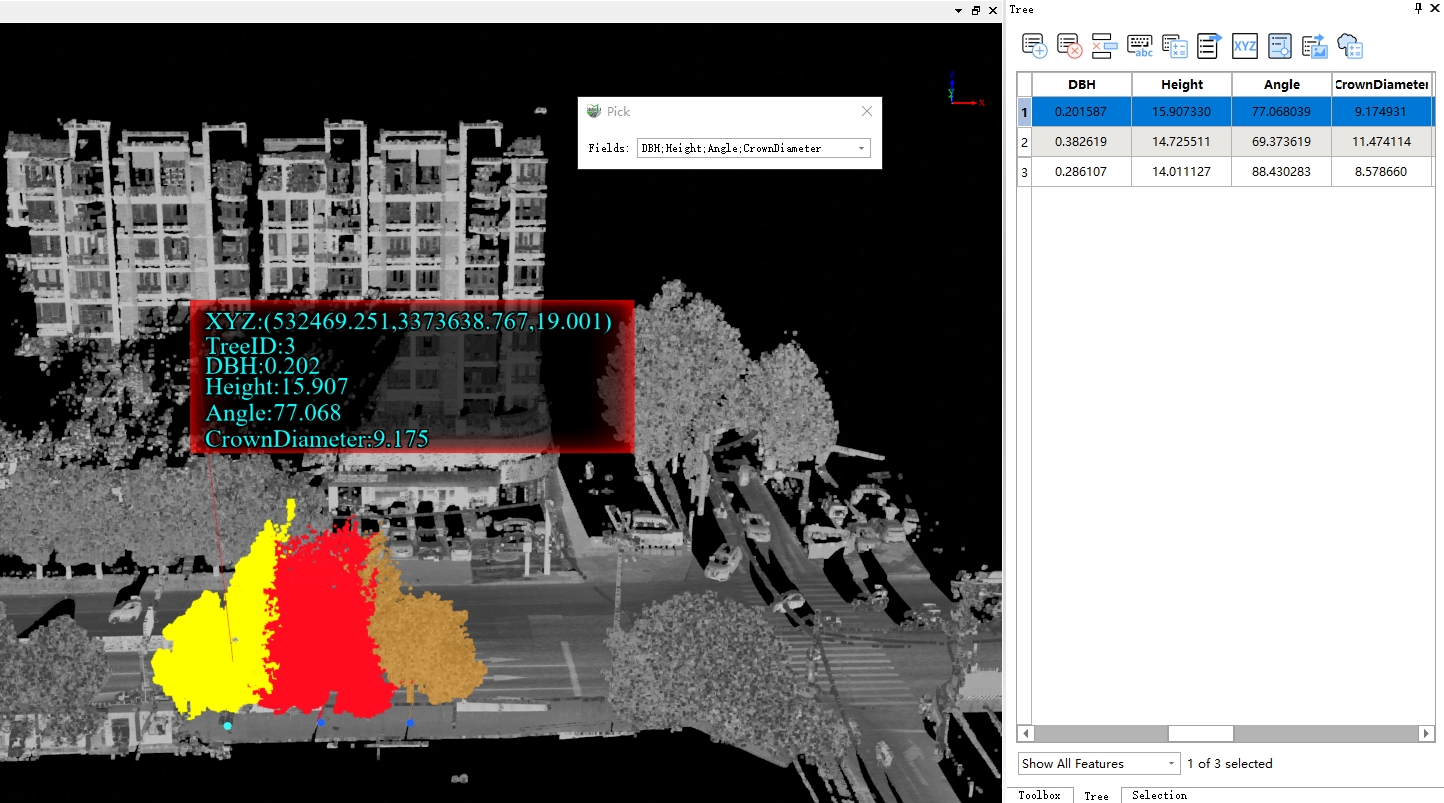
Individual Tree Information
Parameter Settings
- Fields: Lists all fields in the Tree layer except FID, Shape, and Image. Select the fields to display as required.
- Seed Point Linkage: If checked, the view will automatically jump to the current seed point and highlight it.