Export Report
The trial version only supports exporting the urban forestry report for 5 trees. After formal licensing, results for all trees can be exported.
Steps
1.Click Export Report . In the save dialog box, specify the report file name and location.
2.The report consists of three parts: the header, statistical information, and the individual-tree list.
(1) Header and Contents
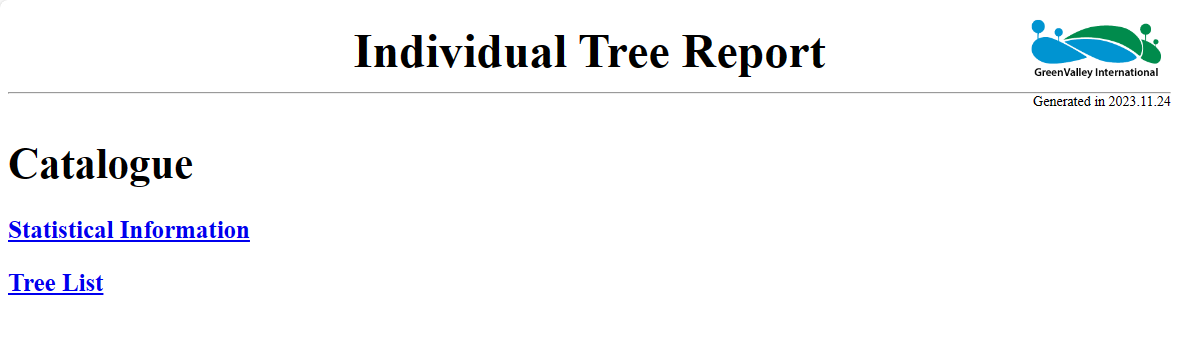
Header and Contents
Click Statistical Information or Individual Tree List in the contents to jump to the corresponding section.
(2) Statistical Information: Includes statistics for project point cloud files, the number of individual trees, and the reference tree.
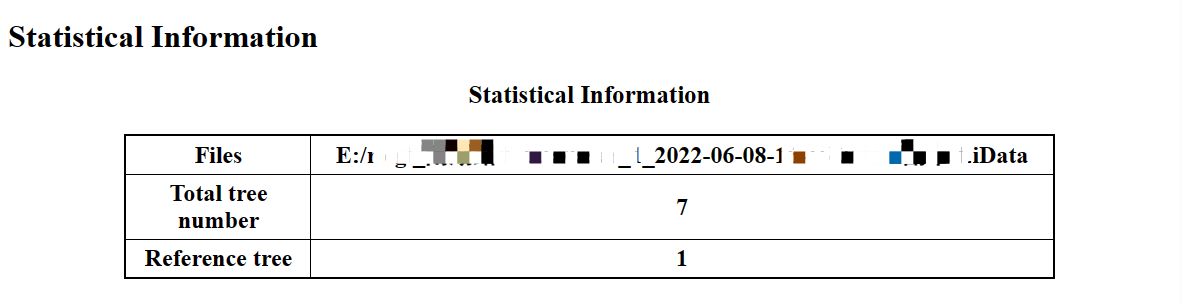
Statistical Information
(3) Individual Tree List: Includes three-view images for each tree, fixed fields such as tree height, crown diameter, area, and azimuth, and all custom fields.
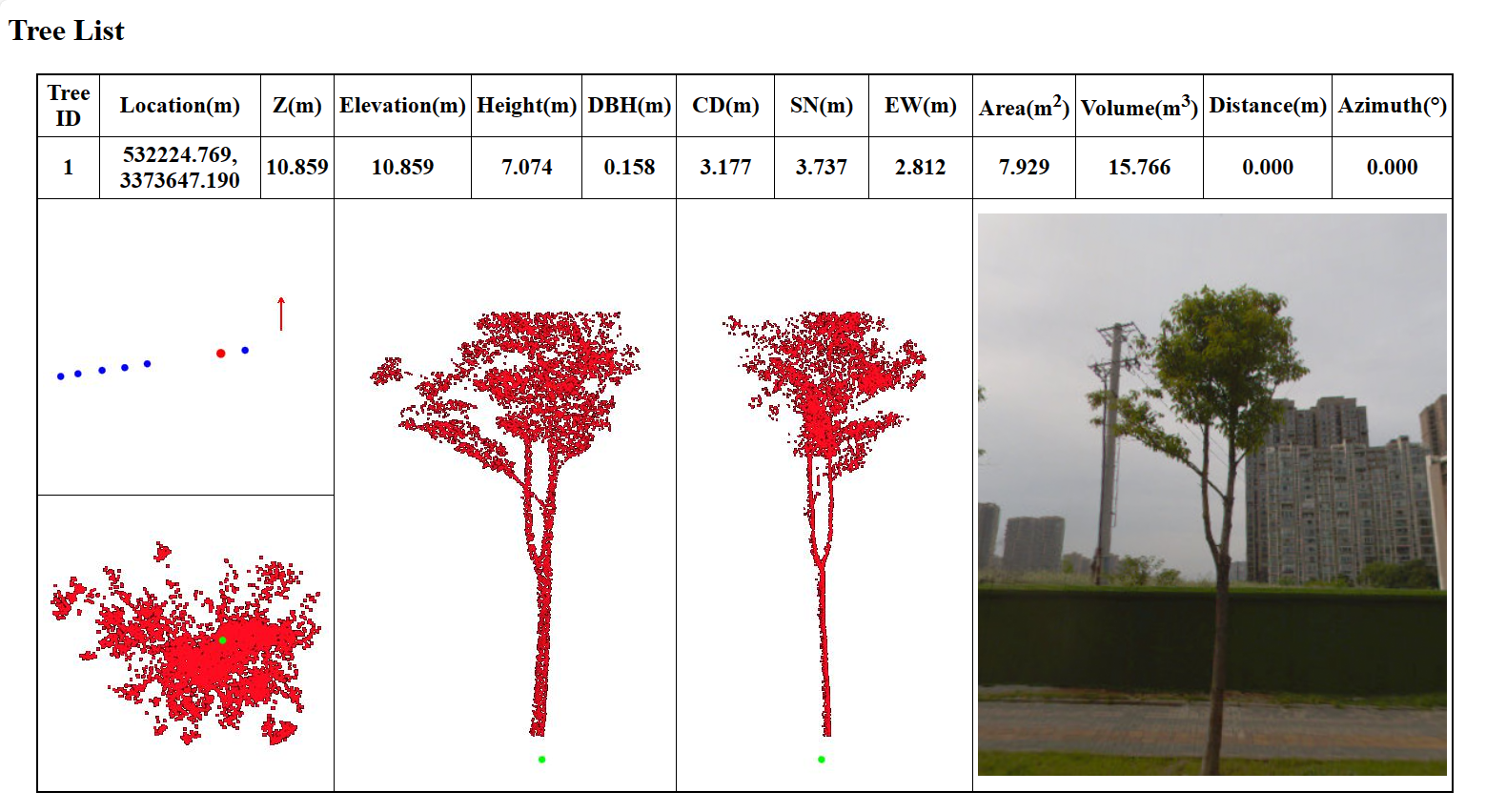
Individual Tree List