SLAM Cluster Processing
Authorization Issues
Both the cluster master and the cluster engine require authorization;

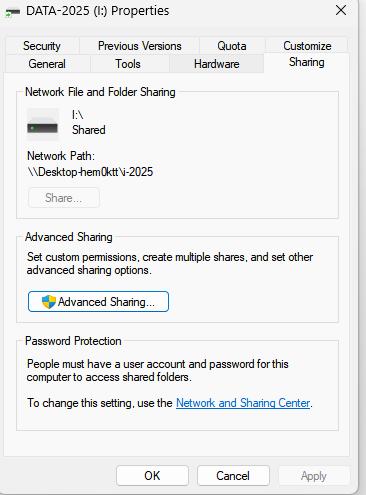
Network File and Folder Sharing/Add a network location
Network File and Folder Sharing
First, the master must share its storage disk. The other cluster engines should be able to access this shared storage via Ethernet;

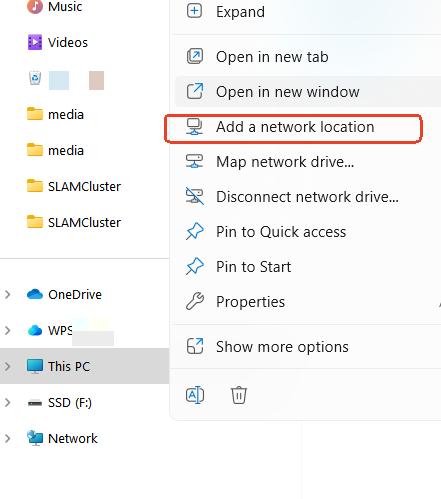
Add a network location
Add a network location for the cluster engine computers
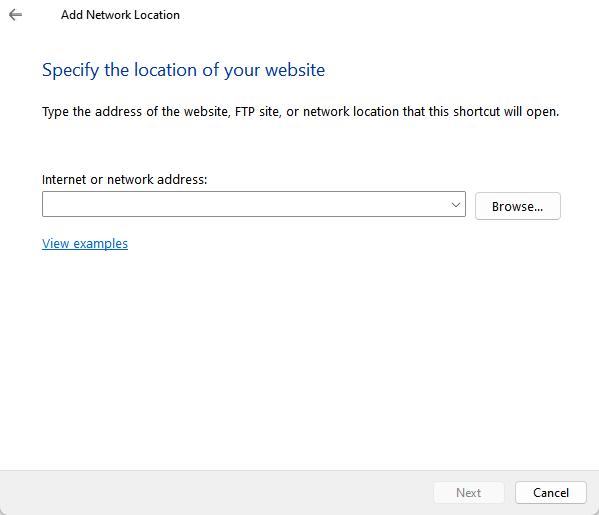
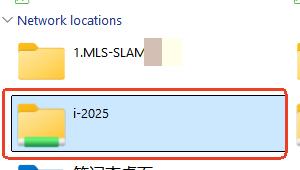
After adding, there will be an added network location icon in the network locations;
Create a new MSCAN task on the shared storage
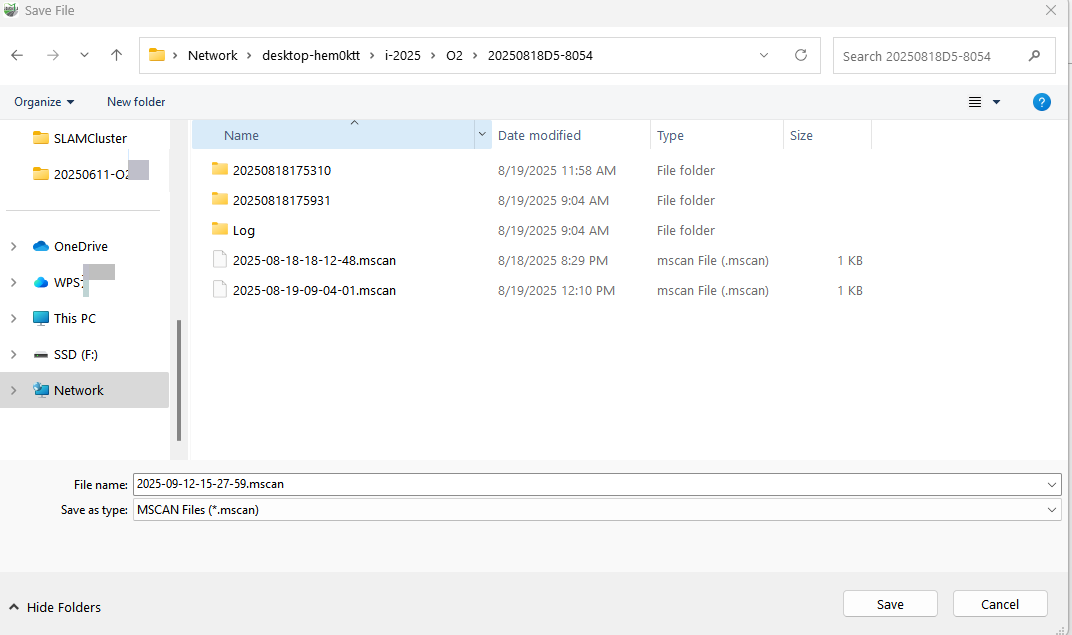
Start the master node and cluster engine
Master node: control interface for managing cluster engines and assigning tasks
cluster engine : computation node responsible for executing computing tasks
Start the master/cluster engine
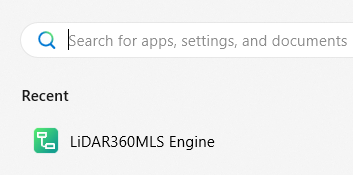
Search for LiDAR360MLS Engine in the Windows address bar
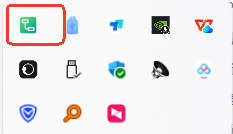
After successfully starting, the computation engine icon will be displayed in the system tray
Start cluster computation
Click Cluster Computation in the Tools menu.

The cluster has specific hardware requirements: link speed is recommended to be greater than 1000 Mbps, and the computation engine configuration is shown below.
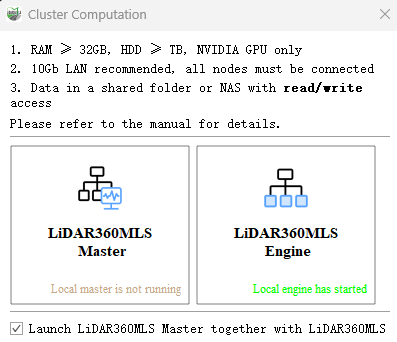
Click LiDAR360MLS Master , select Auto Search, and choose the engines to participate in cluster computation.
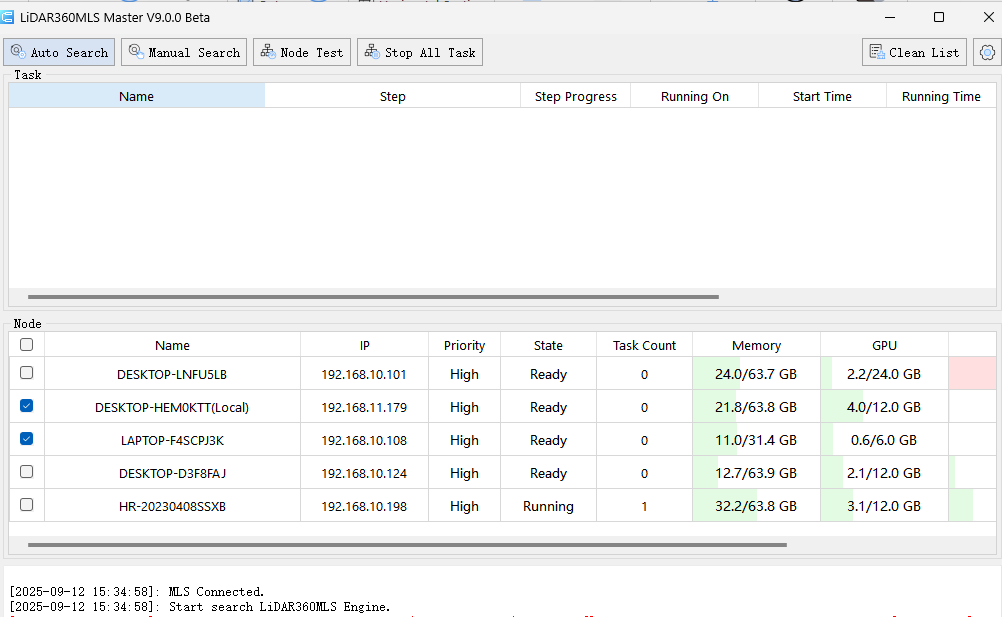
Start cluster computation.
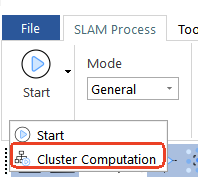
Click the drop-down arrow to the right of the Start button and select Cluster Computation.
The master node will display each engine's current step, progress, start and running time, and result status.
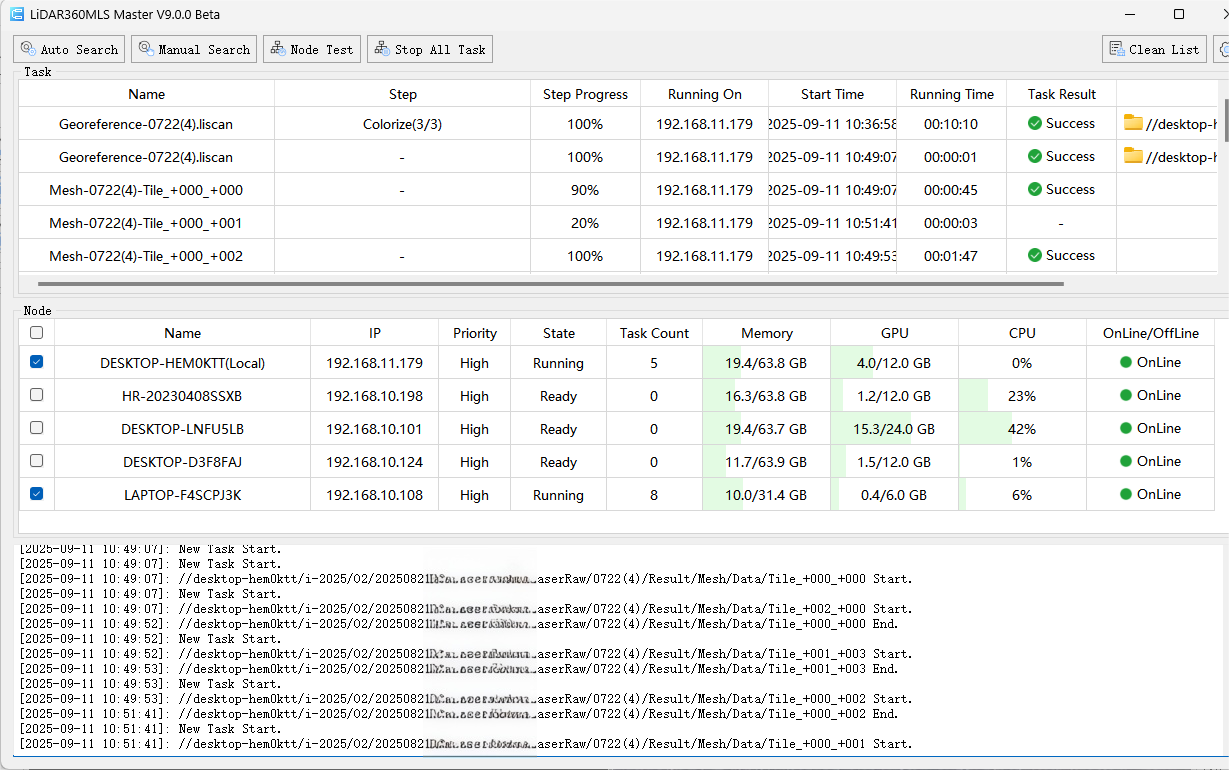
Once all tasks have been successfully completed, the MLS master node will aggregate all results and display them in the 3D interface.