Define Projection Segments
Function Description: Before using the Segmented Projection method to unroll point clouds, projection segments must be defined first, which are the line elements that make up the tunnel design contour. Supports create, delete, and clear operations to achieve unified management of projection segments.
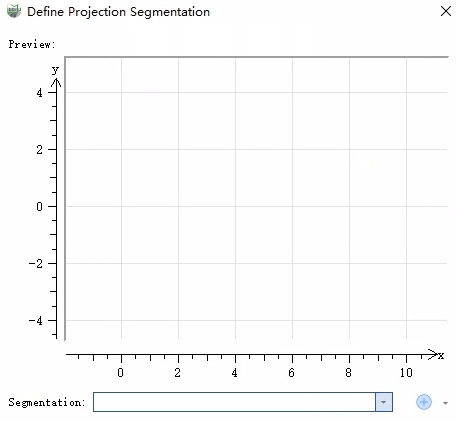
New
Create projection segments by drawing the tunnel contour in the profile view, supporting straight line and arc line types.
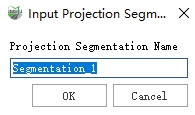
- Click the New button, enter the projection segment name, and click OK;
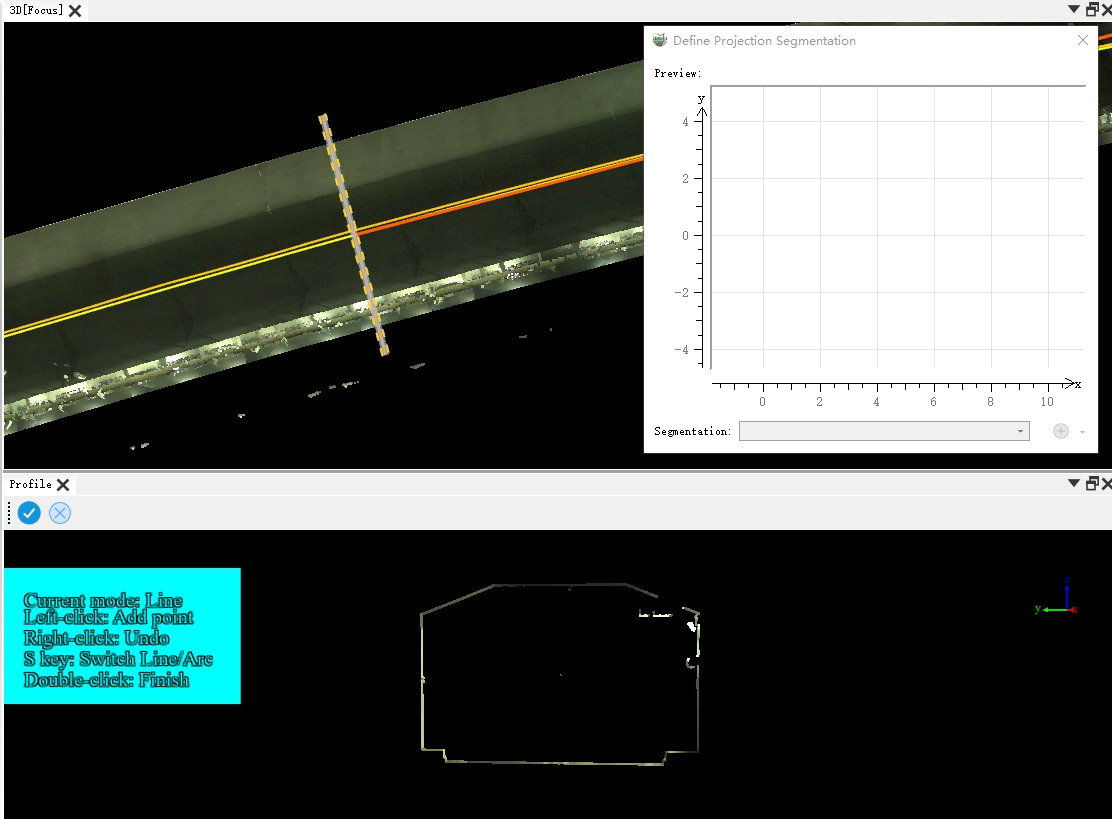
- The Profile View is displayed. Draw a profile in the 3D view (the interaction logic is the same as the Profile Tool). After drawing is complete, the Profile View loads the tunnel cross-section (you can switch the profile view to Elevation Rendering mode in Display Mode);
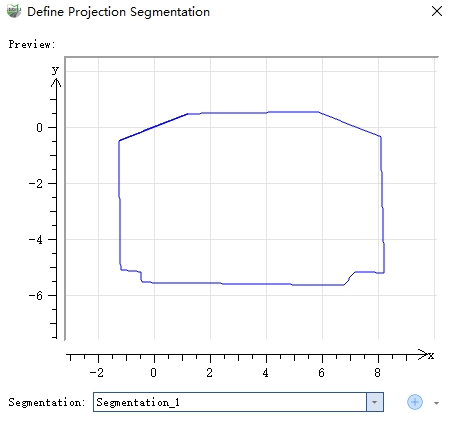
- According to the tunnel contour line type, switch between straight line/arc to complete the segment definition. If you are not satisfied with the drawing, you can redraw. Click Accept to save the segment definition and add it to the segment list. Click Reject to discard the defined segment.
Delete
Delete the currently selected projection segment.
Clear
Clear all projection segments.