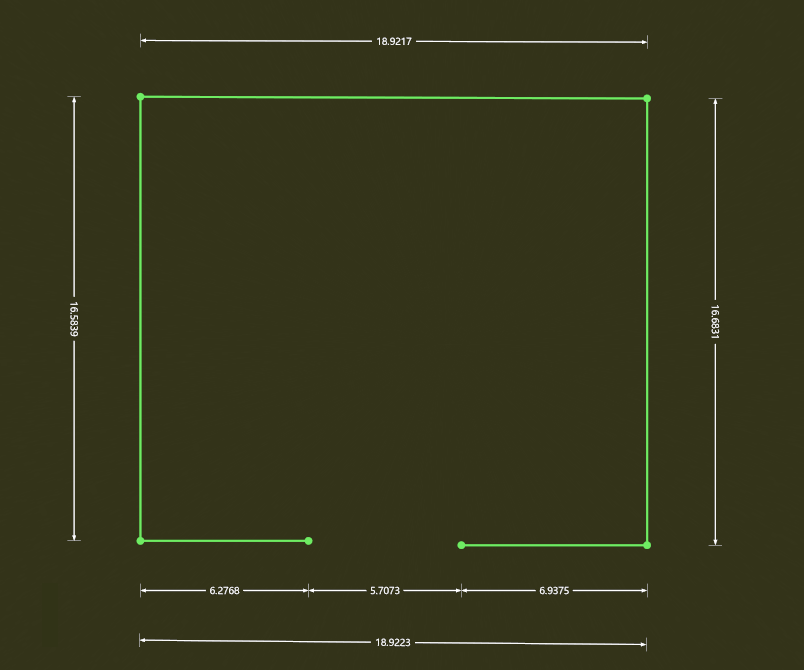
Length Anno
Function Description: Add length annotations to vectors in the floor plan layer
The length annotation style can be adjusted in Drawing Settings.
Steps
1.Click Length Anno button.
2.Select vector endpoints in sequence to add length annotations. A three-click mouse operation is used: the first two clicks define the length, and the third click determines the offset distance of the annotation from the vector line.
Note: To ensure accuracy, make sure to select exactly on the endpoints
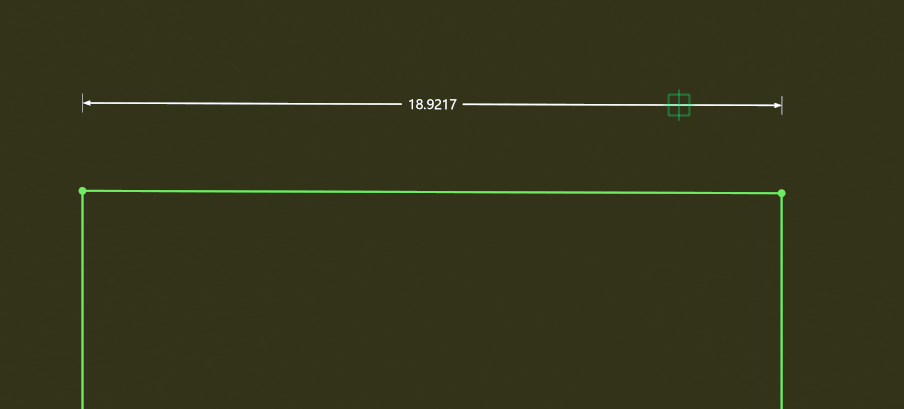
3.Continuous creation is supported. Except for the first annotation, all subsequent annotations (on the same side) can be created by simply selecting the endpoint of the next vector segment. Double-click to finish.
If annotations are on the same side, create them continuously in one go to ensure they are aligned on the same line
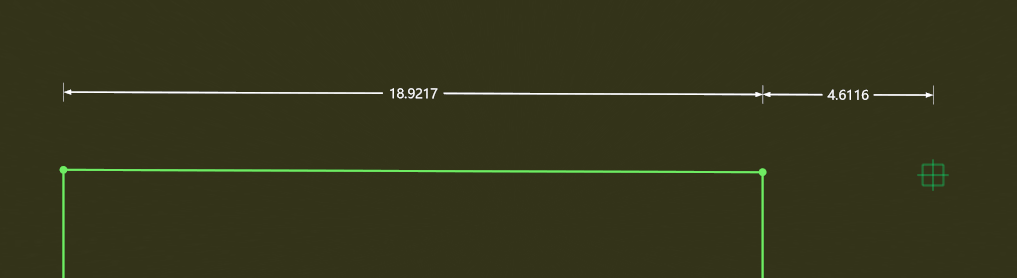
4.Final result