Delete a Script Tool
- Right-click the Script Tool and select Delete.
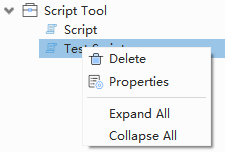
Script Tool context menu
- Verify the tool name in the confirmation dialog and confirm deletion.
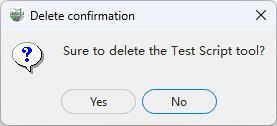
Delete confirmation
Deleting a Script Tool removes its saved script. Back up any code that you want to keep.
Restrictions
A running tool cannot be deleted. Deleting the currently open tool closes its editor. The operation removes both the Toolbox item and its persistent script, so copy reusable code to a normal .py file or source repository first.