Window Linkage

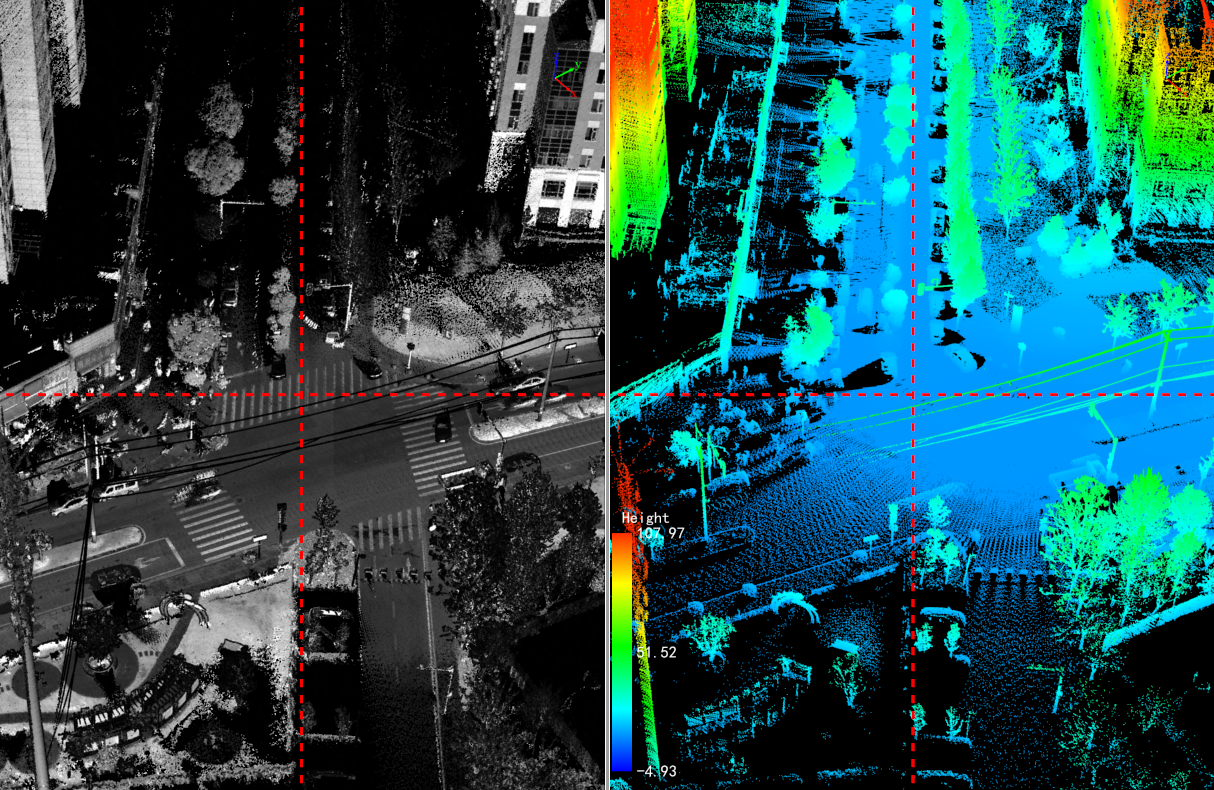
Functional Description: Realize the linkage display of 3D window and link window.
Steps
Clik Window Linkage pop up interface:
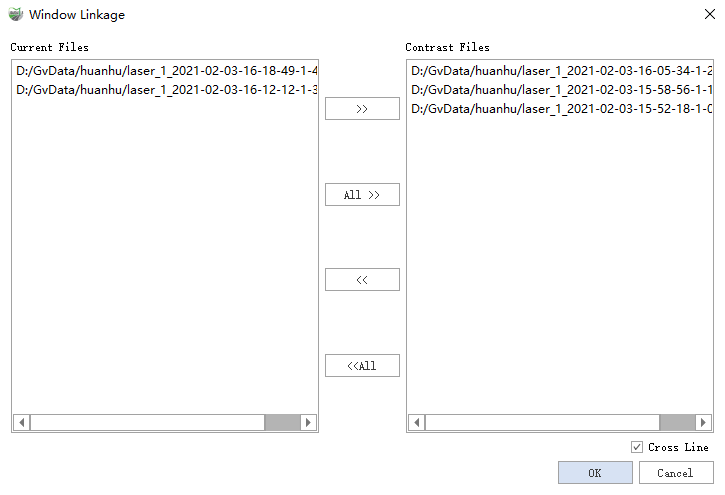
There are 2 main point cloud file lists in the window, Current Files means that the files in it will be displayed in the 3D viewport, and Compare File the point cloud files in it will be displayed in the linked viewport.
- >>: move the selected point cloud file from Current Files to Contrast Files.
- All>>: all point cloud files are moved to the Contrast Files.
- <<: the selected point cloud files are moved from the Contrast Files to the Current Files.
All<<: all point cloud files are moved to the Current Files.
The cross fillet will be displayed in the 3D viewport and linkage viewport when it is checked, and it will not be displayed if it is unchecked.
Click OK to enter the linkage comparison status.
Note: This function requires the current project to contain at least two point clouds.