Run a Script
- Save and check the script.
- Select Script > Run, or press
F5.
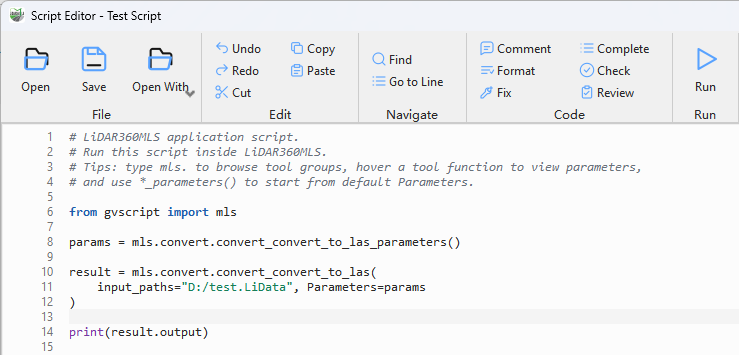
Run a script
- Wait for completion. A success message or formatted error is displayed.
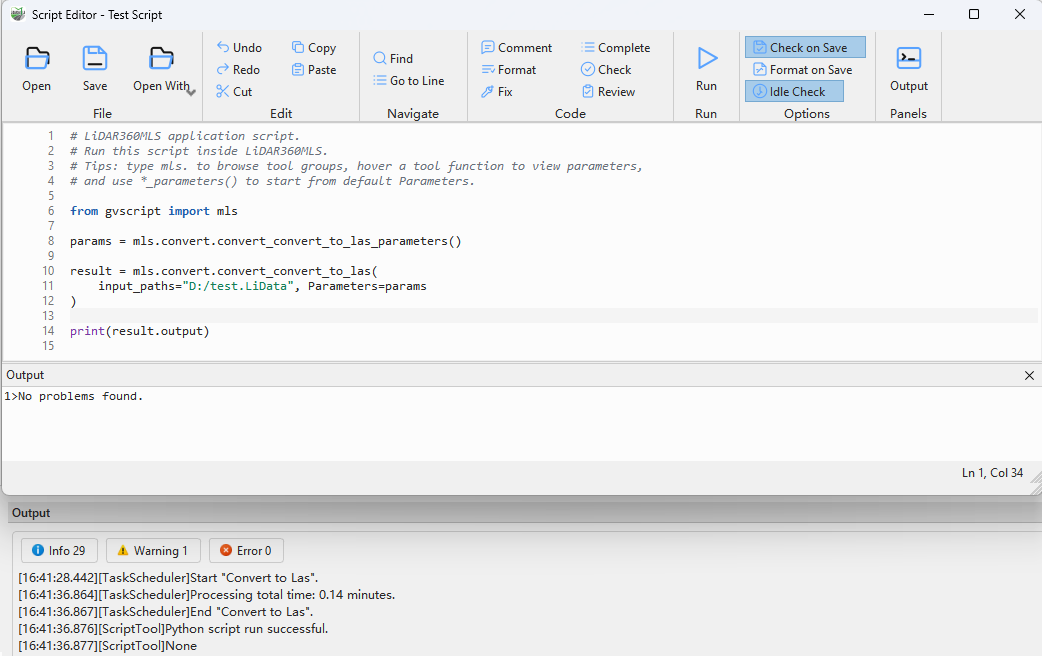
Script run succeeded
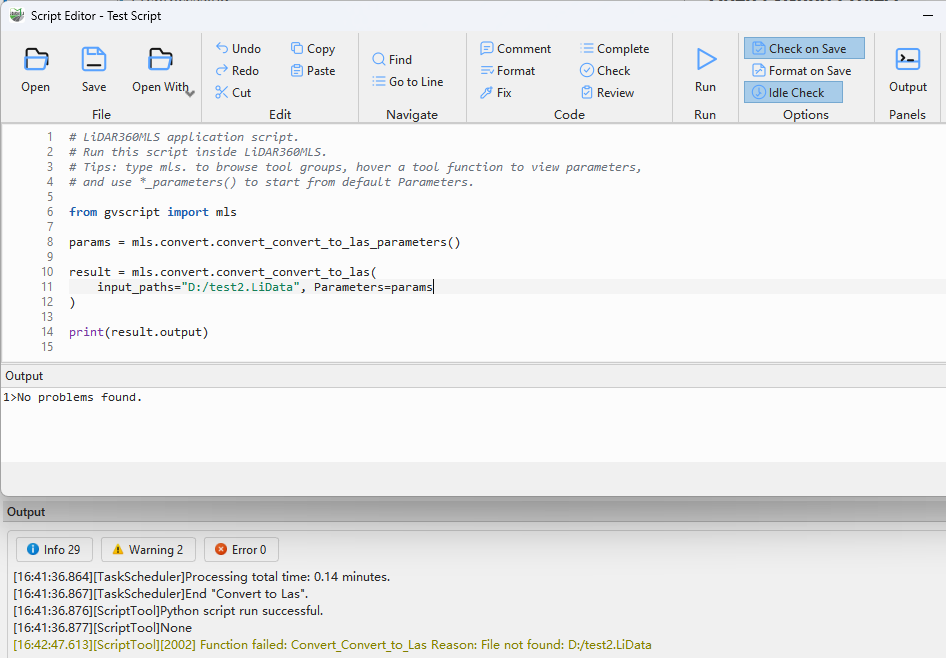
Script run failed
Only one script can run at a time. The application asks you to wait if you run another script or close the editor during execution.
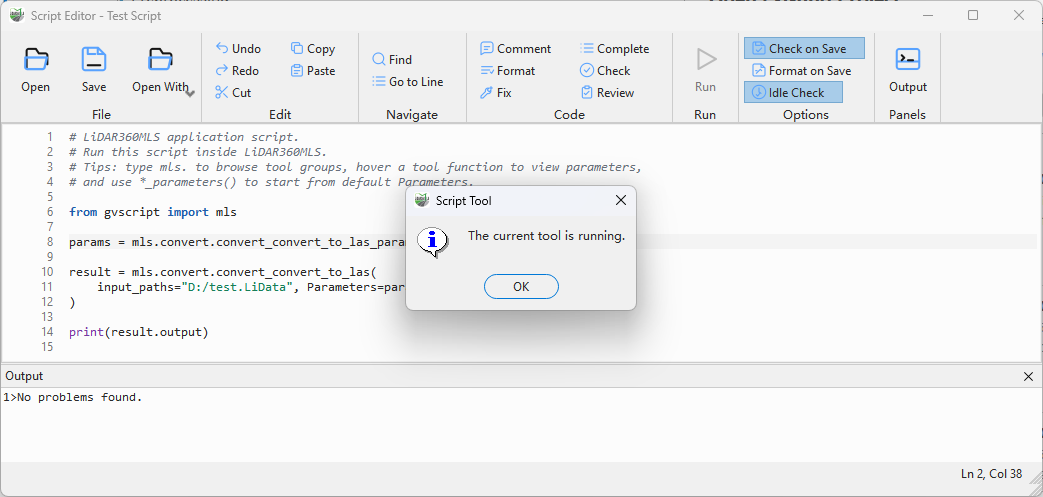
A script is already running
Before running, verify input data, output directories, project state, license, and required plug-ins.
Runtime behavior
The script is saved before running. Only one script can run at a time, and there is no user-interface Stop command. While it runs, you cannot close the editor, switch Script Tools, or delete the running tool. Python exceptions preserve a message and traceback; tool failures preserve the tool error code and reason. Multi-step runs record steps to identify the failed call.
A success message means execution completed; also verify files, project/layer changes, and the log. Open Show/Hide > Windows > Output to display runtime records.