Pick Rotation Center
Brief: Pick a point from point cloud as rotation center of 3D viewer.
Steps
- After clicking this button, move cursor to the current active window, the state of the cursor changes to
 , then select a point in the point cloud data. After selection, the state of cursor changes to normal. When rotating, the current active window will be shown as below: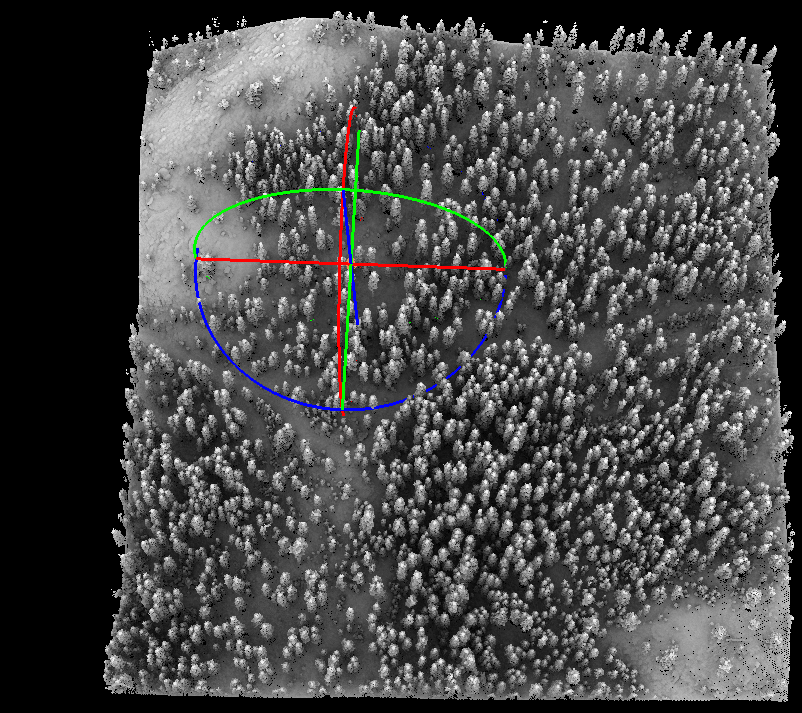
Note: This tool is only for viewer in 3D mode. To cancel the current selection rotation center,please click Top View, Bottom View, Left View, Right View, Front View, etc.