Zoom Out

Brief: This tool is applicable to all data types supported by LiDAR360. The camera zooms out to display wider range of data. The mouse wheel can be used together with this tool.
Steps
- Click the window that contains data with the left mouse button and set it as the active window.
- Click the button on the toolbar. Drag a rectangle extent over an area. The corresponding graphics will be rendered in the scene, as shown below.
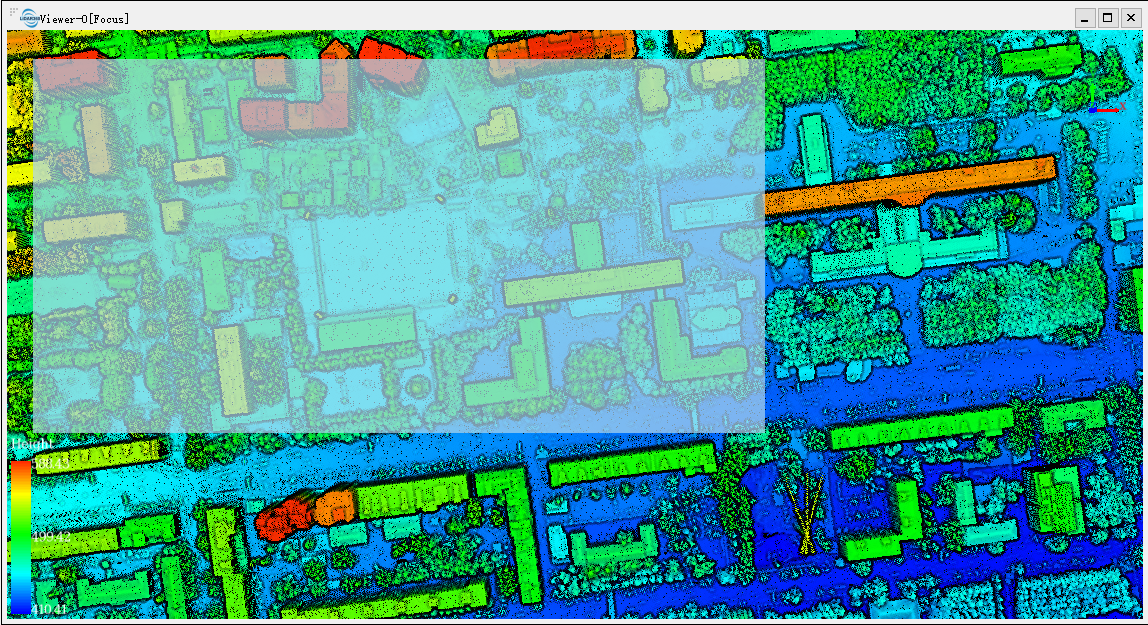
- The active window will be zoomed to the specified extent automatically, as shown below.
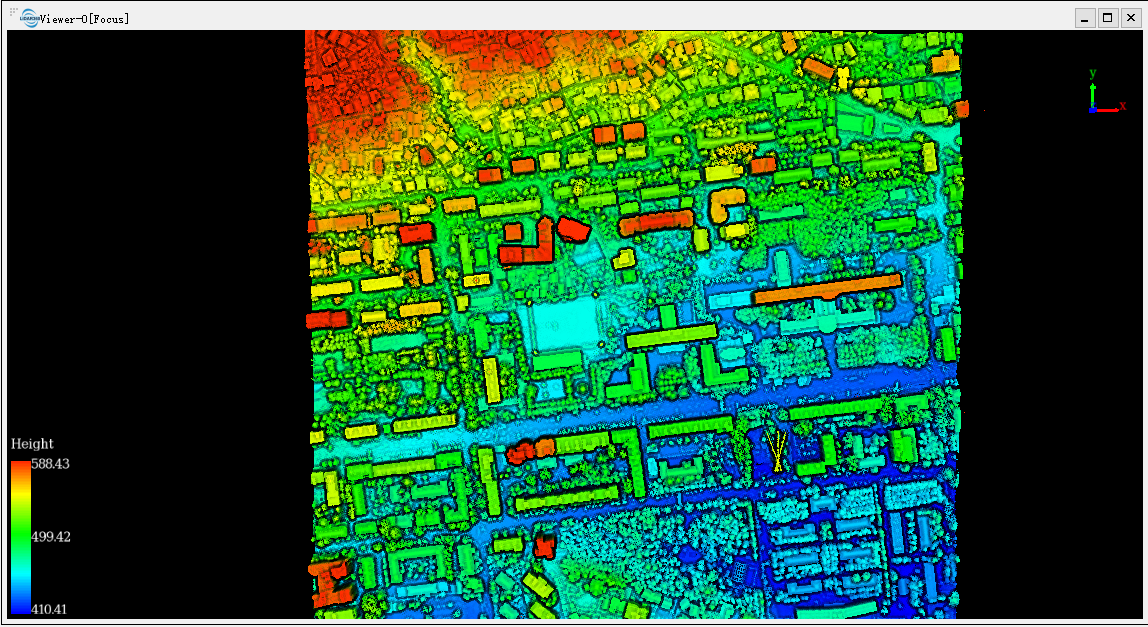
Note: When there are multiple windows, this tool only works on the active window.