Tree Species Library
Function Overview
Tree Species Library centrally manages tree species information used by the forestry modules, together with related biomass models and tree models. The software provides more than 200 built-in tree species records and also supports user-defined tree species.
The tree species library supports:
- Adding, deleting, searching, importing, and exporting tree species.
- Genus management, including adding, editing, and deleting genera. The genus field can be empty.
- Editing tree species genus and common name.
- Managing biomass models, including adding, deleting, and viewing details.
- Managing tree models, including adding, deleting, and viewing details.
Usage
Open the Tree Species Library dialog.
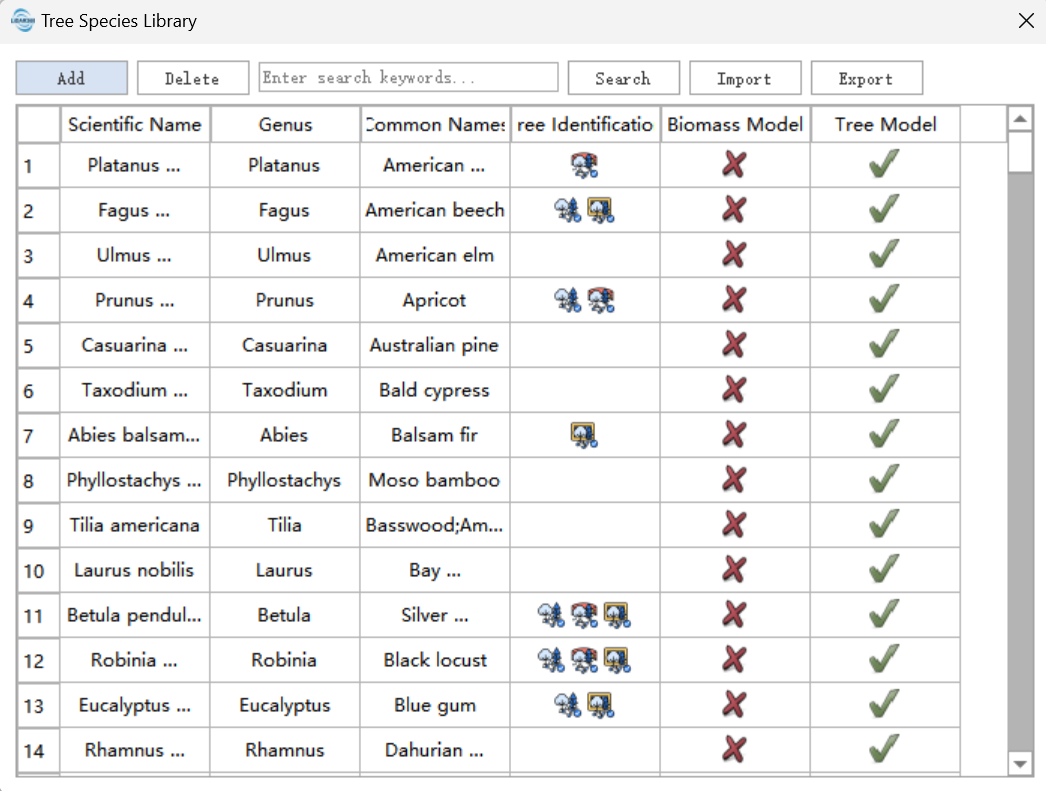
The tree recognition column shows the tree species recognition tools that currently support each species, including point cloud recognition models, point-cloud-and-panorama recognition models, and orthoimage recognition models. The biomass model and tree model columns show whether corresponding models exist.
Add Tree Species
Click Add to open the Add New Tree Species dialog.
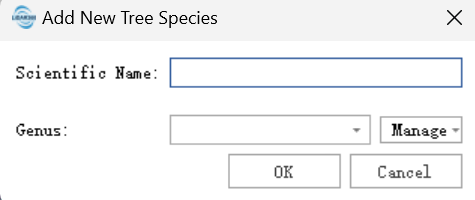
In the dialog, users can manage genera, including adding, editing, and deleting genera. The genus of a tree species can be empty.
Delete Tree Species
Select the tree species to delete and click Delete.
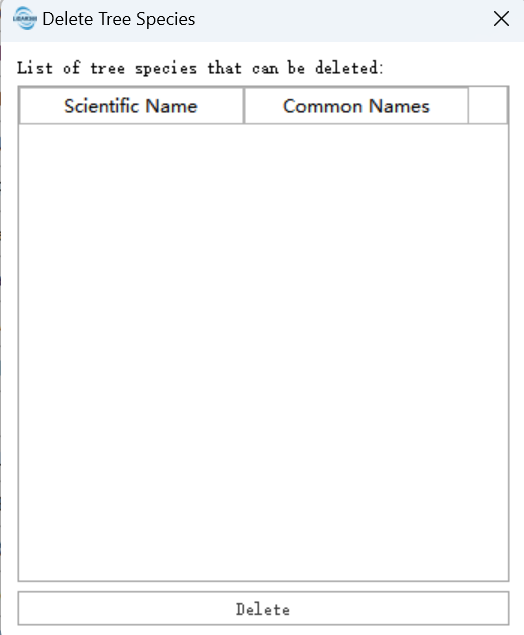
Note: Only user-defined tree species can be deleted. Built-in tree species cannot be deleted.
Search Tree Species
Enter a keyword in the search box to search by Latin name, Chinese name, common name, genus, and related information.
Import and Export Tree Species
Use Import to import a tree species library file exported by LiDAR360. During import, existing species information such as common names is updated, and missing tree models or biomass models are added without deleting existing models. Tree species recognition models are imported only when the corresponding recognition tool has already been defined in the current environment.
Use Export to export the tree species library information and models for backup or sharing with other environments.
Edit Tree Species
Right-click a row in the tree species list to edit the species.
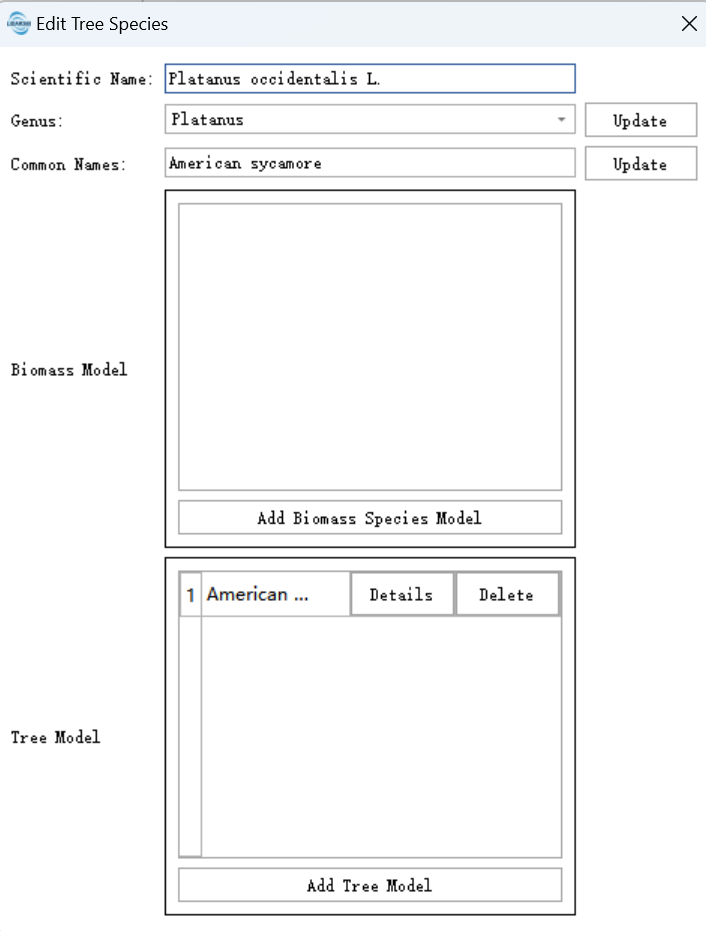
The genus and common name can be edited. Click Update after editing.
Biomass Model Management
Biomass models are used to estimate biomass by formulas. For different species and regions, different biomass inversion models can be configured. The biomass model manager supports adding, deleting, and viewing model details. Built-in models cannot be deleted.
Tree Model Management
Tree model management supports adding, deleting, and viewing tree model details. Built-in tree models cannot be deleted.