Generate DOM by Orthorectification
Function Overview
Generate DOM by Orthorectification generates a digital orthophoto map (DOM) from an image project and DEM or DSM data. The tool supports color correction, resolution control, occlusion detection, and output path configuration.
Usage
Click Photo > Generate DOM by Orthorectification to open the tool.
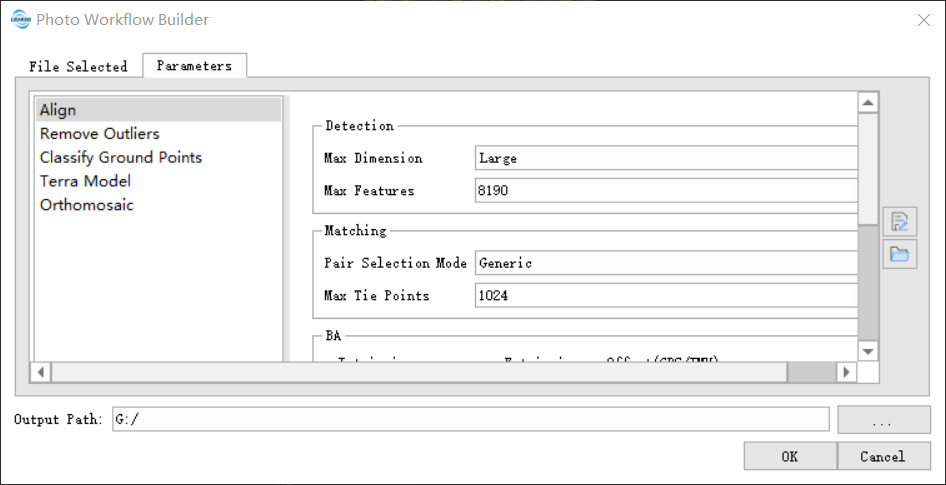
Parameter Settings
Image Project: Input image project file (
*.liaep).DEM/DSM: Input elevation model file. Supported formats include
*.tifand*.tiff.Fusion Level: Fusion level used for DOM generation.
Color Correction: Enable color correction for the generated DOM.
Maximum Tilt Angle: Maximum image tilt angle used in DOM generation.
Resolution Mode: Resolution control mode. Automatic and manual resolution modes are supported.
Automatic Resolution Multiplier: Multiplier used when automatic resolution mode is selected.
Manual Resolution: Output resolution used when manual resolution mode is selected.
Occlusion Detection: Enable occlusion detection during DOM generation.
Output Path: Folder used to save the DOM result.
Output
The tool outputs a DOM image file.