Extract Color from Orthoimage
Summary
Extract Color from Orthoimage maps colors from an orthoimage to point cloud color attributes. The color values are written back to the input point cloud file, and no new point cloud file is created.
Usage
Click Data Management > Point Cloud Tools > Extract Color from Orthoimage to open the tool.
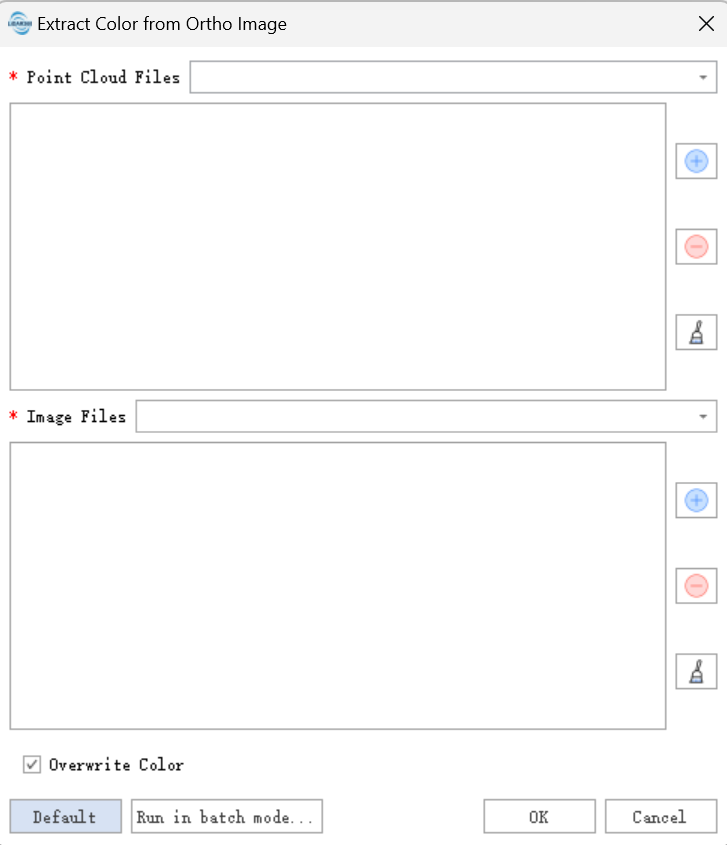
Settings
Input Point Cloud Data: Input point cloud data in
*.LiDataformat.Input Orthoimage: Input orthoimage in
*.tifformat.Overwrite Color: Overwrite existing point cloud color attributes when the input point cloud already has color values.
Output
The point cloud color attributes are updated in the input point cloud data.