Deep Learning Server Installation
System Hardware and Software Configuration
The recommended hardware configuration for LiDAR360 Deep Learning Service is as follows:
- Memory (RAM): 32GB or higher
- Central Processing Unit (CPU): Intel Core i7 3.8GHz or equivalent recommended
- Graphics Adapter: NVIDIA dedicated graphics card with at least 8GB VRAM recommended
- Operating System: Microsoft Windows 8 (64-bit) or higher with .NET Framework ≥4.5.2 Details
Installation Steps:
Click to download the LiDAR360 Deep Learning Service software from within LiDAR360
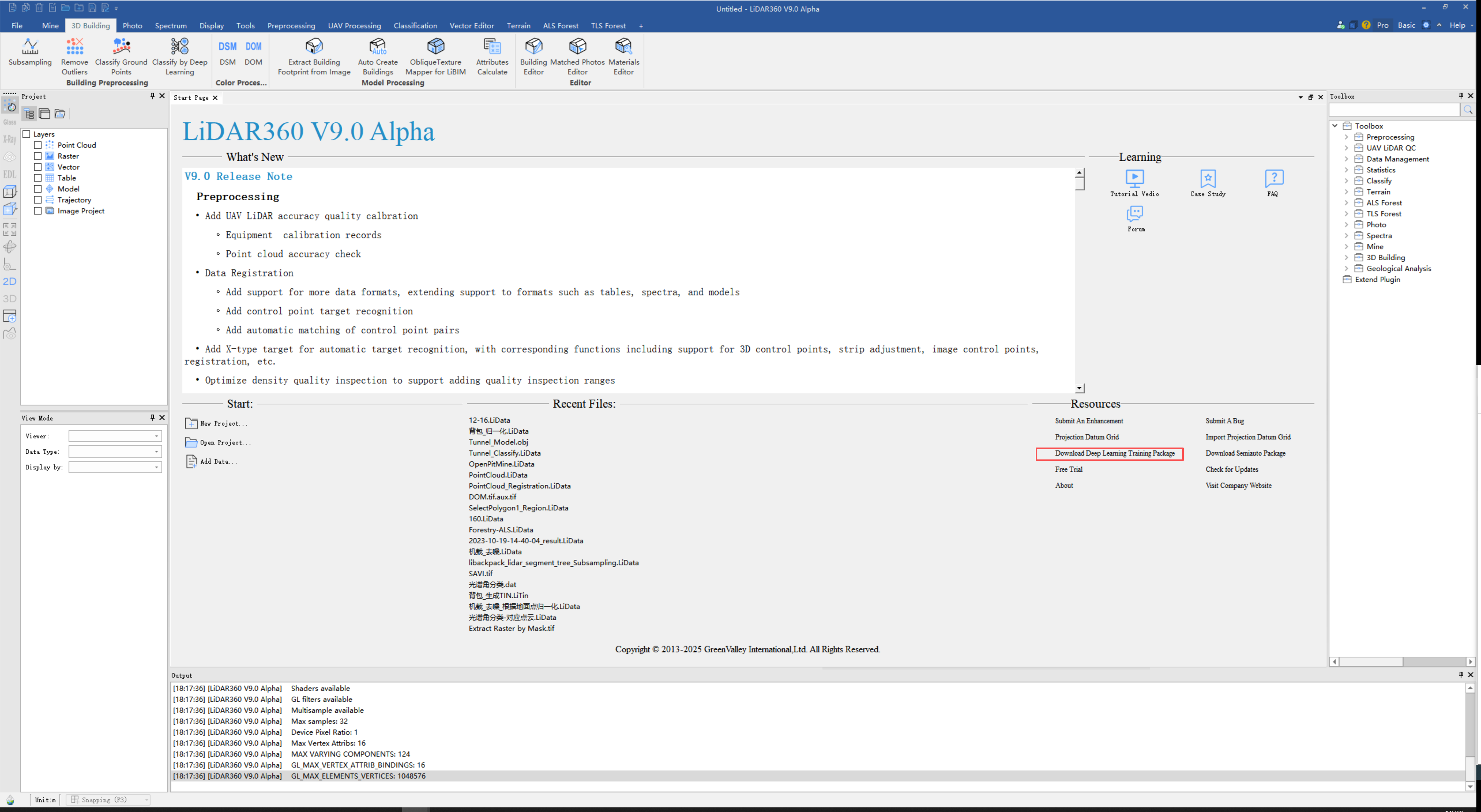
After downloading, you will obtain a python38.7z compressed package. Extract this package.
Copy all files from the extracted directory to the python38 directory under the software's root directory (e.g., D:\GreenValley Suite\LiDAR360\8.1.0.0\python38).
Restart the software to begin using the custom deep learning classification features.