Display by RGB

Brief: This tool is used for displaying point cloud data. The point cloud data is displayed according to its own color value.
Steps
- Click the window that loads point cloud data with the left mouse button and set it as the active window.
- Click the button on the toolbar. The data is displayed according to its own RGB values in the scene, as shown below.
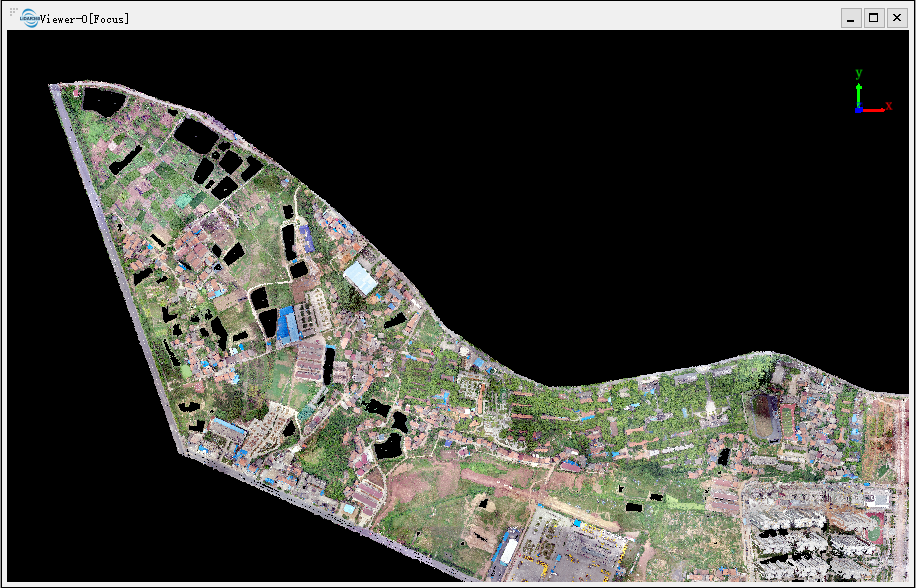
Note: This tool only works with point cloud data contains RGB attributes.