Views
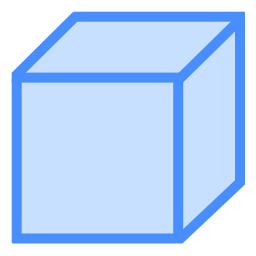
Brief: LiDAR360 provides four general views in profile mode: front view, back view, left view and right view. Front view is activated by default. In special cases, you can also rotate the scene.
Steps
1.Click the drop-down menu .
(Optional) Click
 to set front view.
(Optional) Click
 to set back view.
(Optional) Click
 to set left view.
(Optional) Click
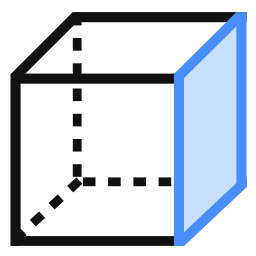 to set right view.
Note: In special cases, you can enable the rotation function by clicking
.