Subtract Selection

Functional Description: Applicable to the current selection tool, it represents the current selection state, and controls whether the selected area is selected plus or minus. And the function applies to Polygon Selection, Rectangle Selection , Sphere Selection, Circle Selection, Lasso Selection. (Shortcut key: Shift + D)
Steps
- This function does not work by itself. It can only be activated when a selection tool (Polygon Selection, Rectangle Selection, Sphere Selection, Circle Selection, Lasso Selection) is active.
- If the button is not selected, the Add Selection is active. The area selected by the current selection tool will be added as part of the selection area, as shown in the figure.
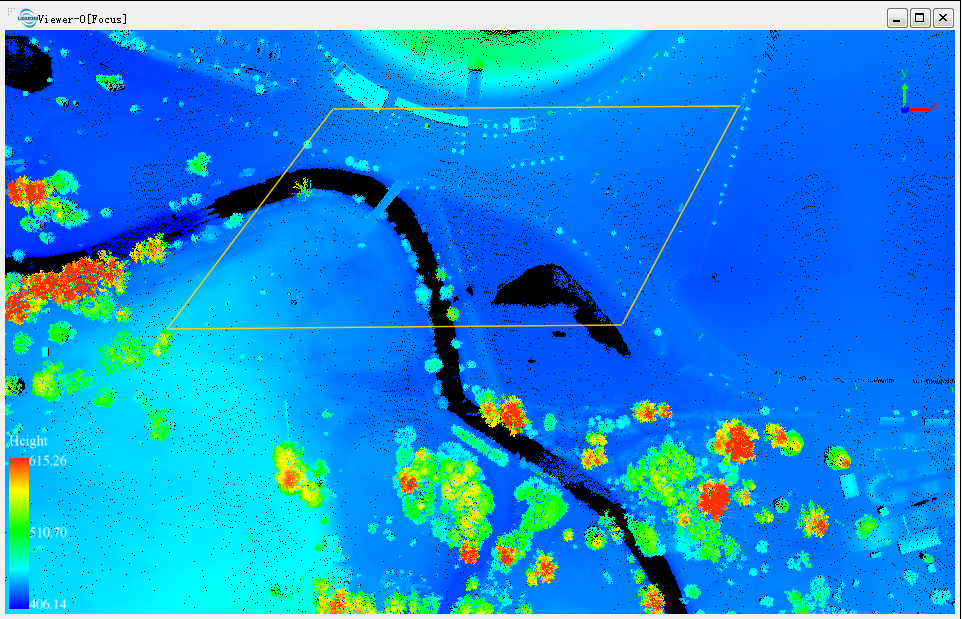
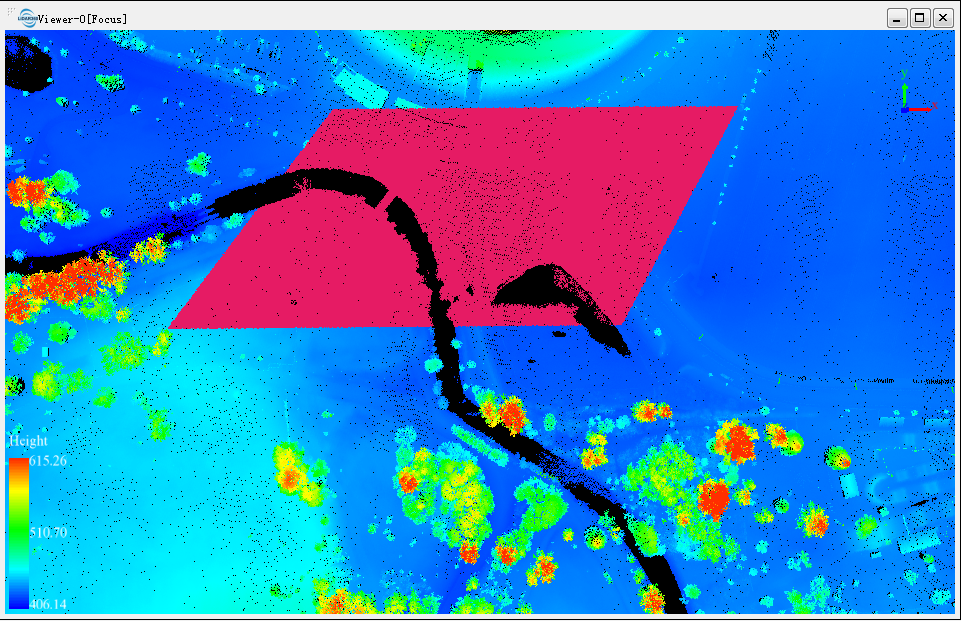
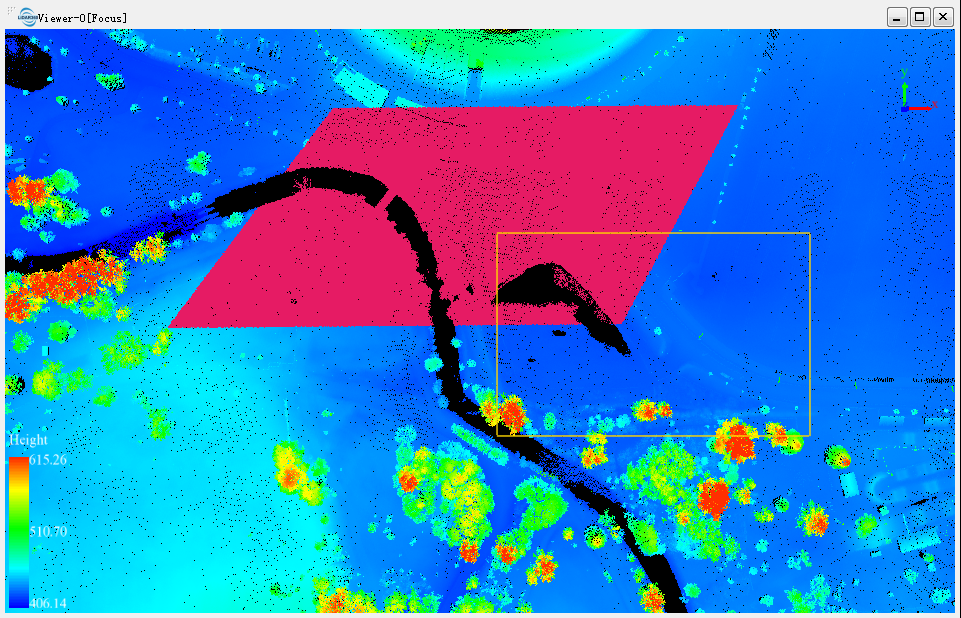
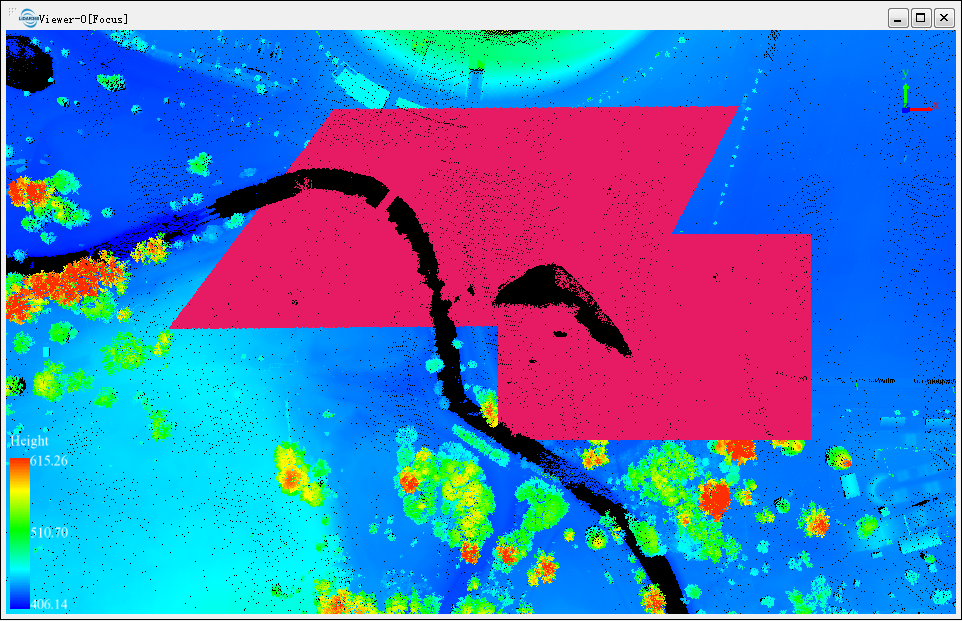
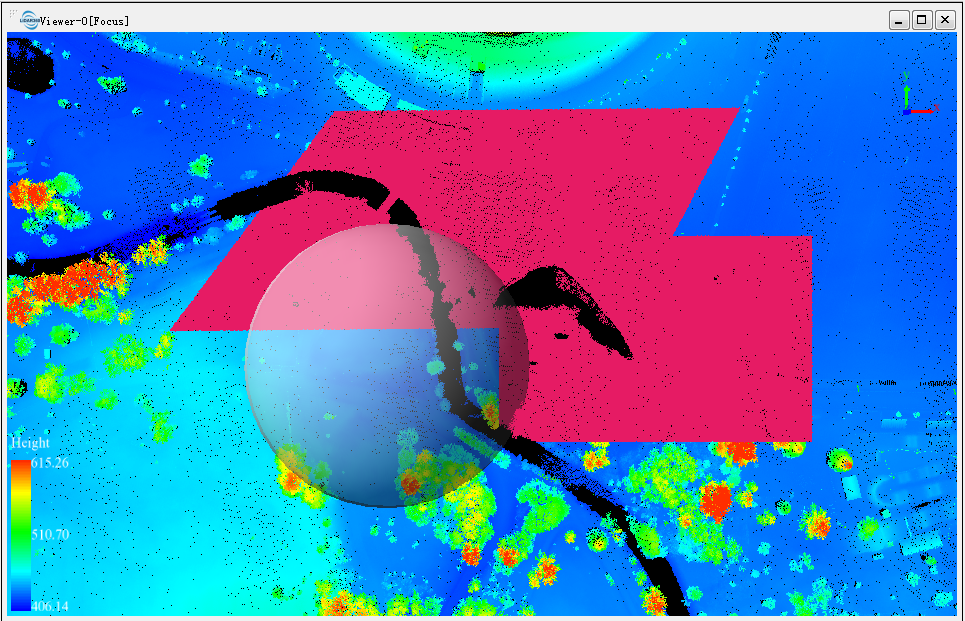
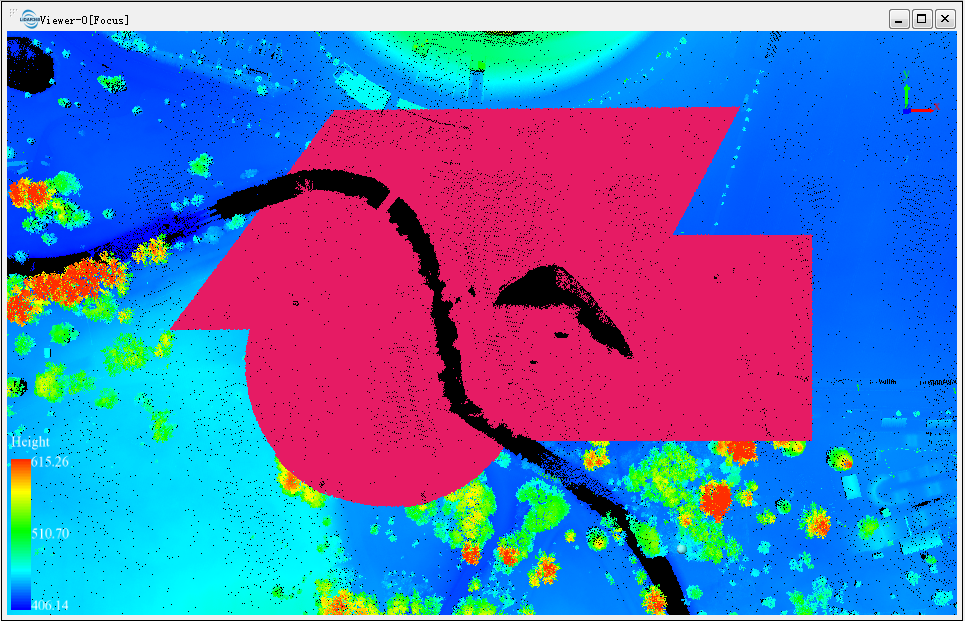
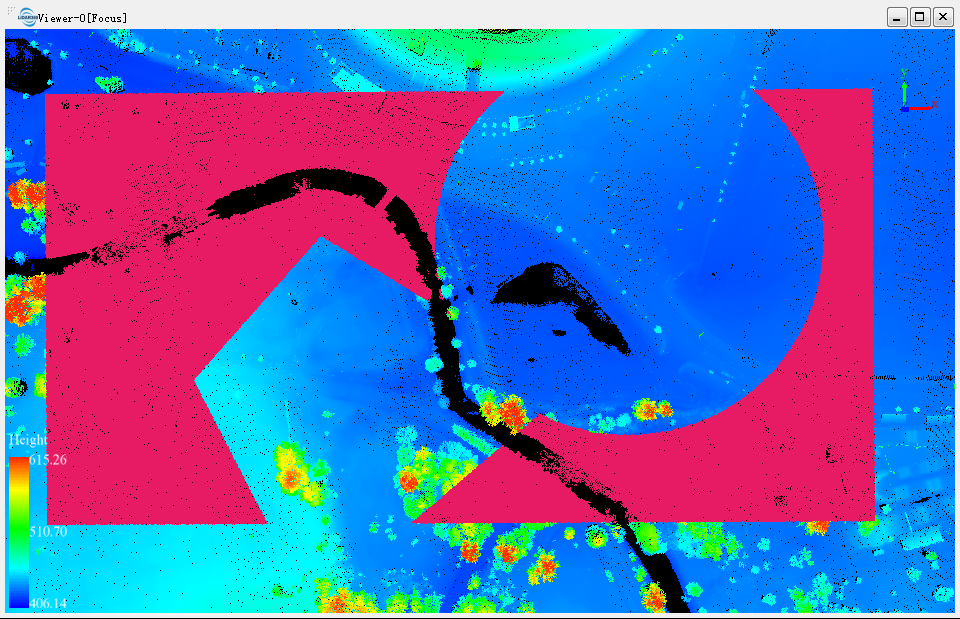
- When the button is selected, the Subtract Selection is active. The common part obtained by subtracting the current newly selected area from the the selected area will be taken as the final selection result.
- 3.1 Select an initial selection area in the selected state.
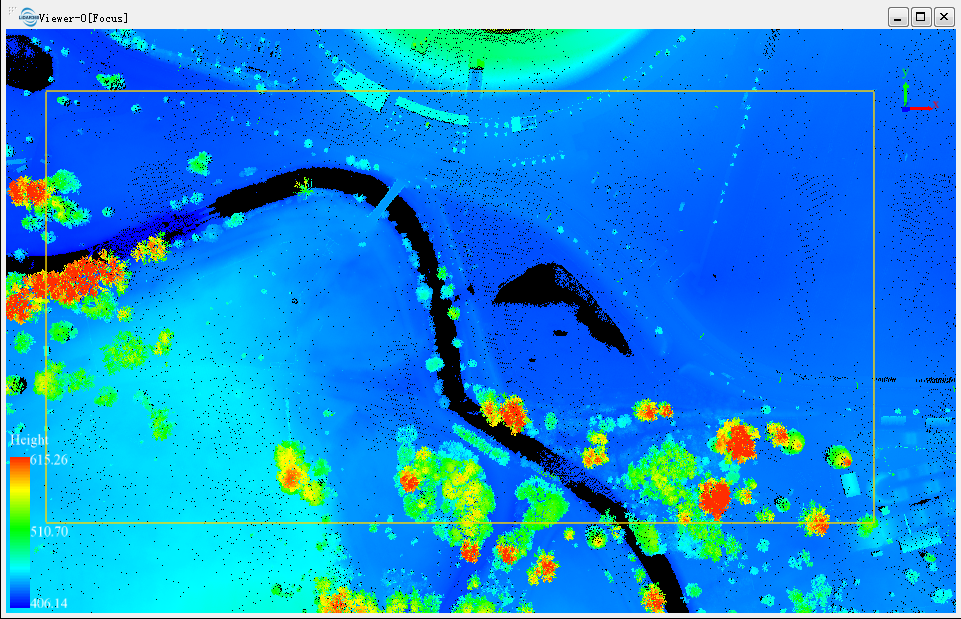
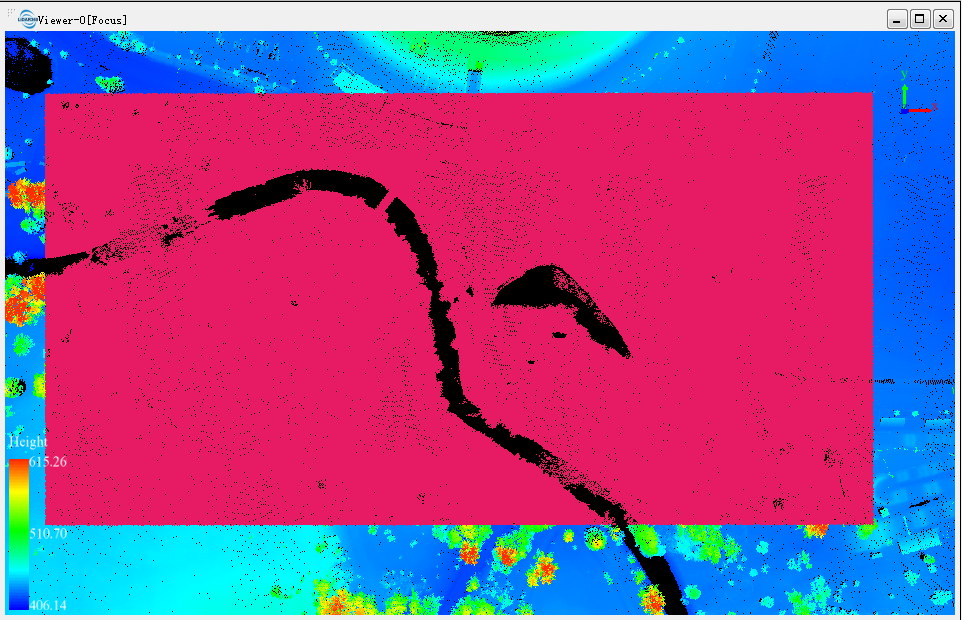
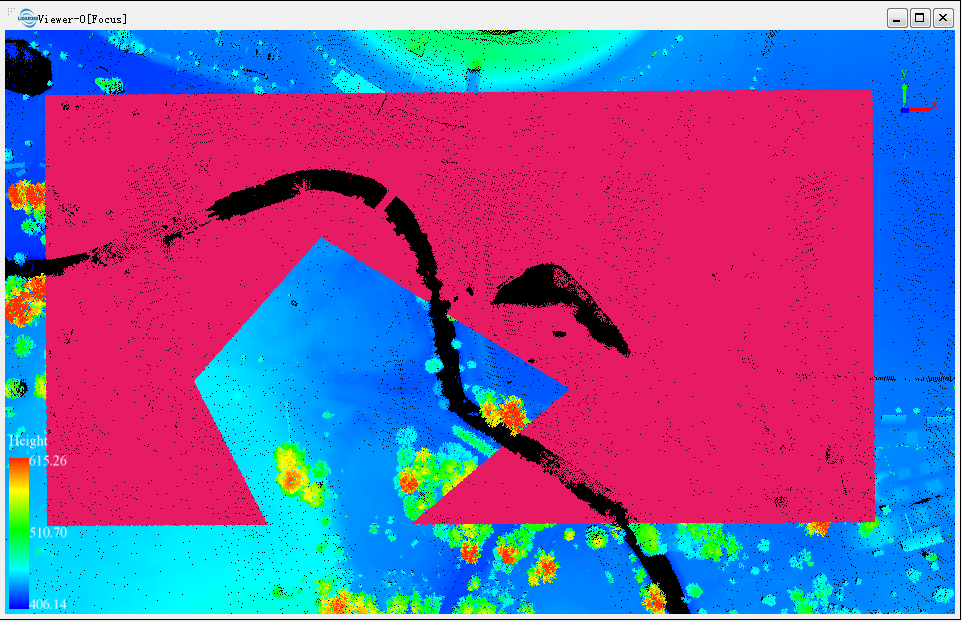
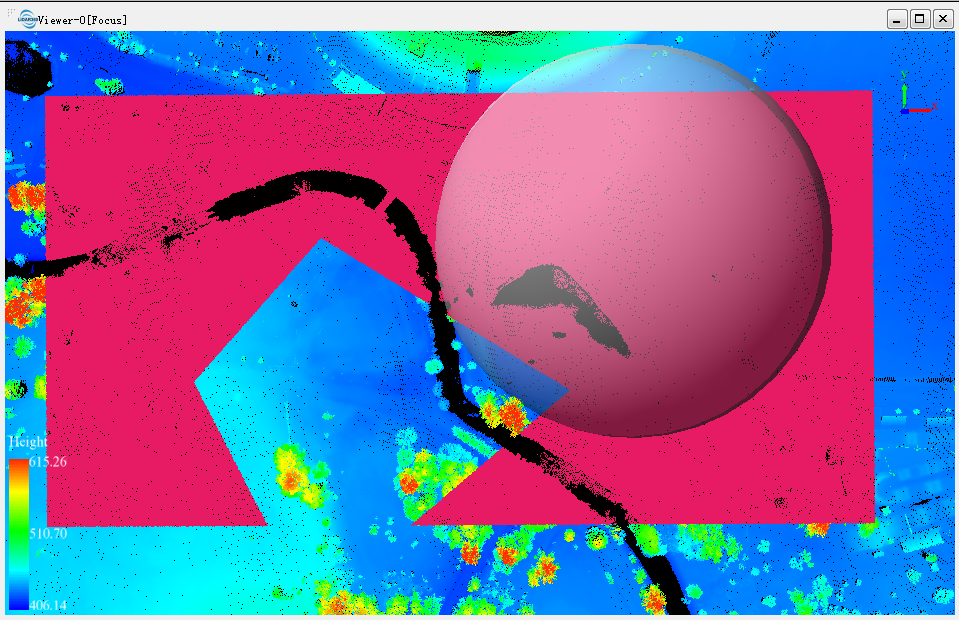
- 3.2 Select the subtraction function, and select polygons and spheres in the subtraction mode. The selected area will be subtracted from the original area, as shown in the figure.
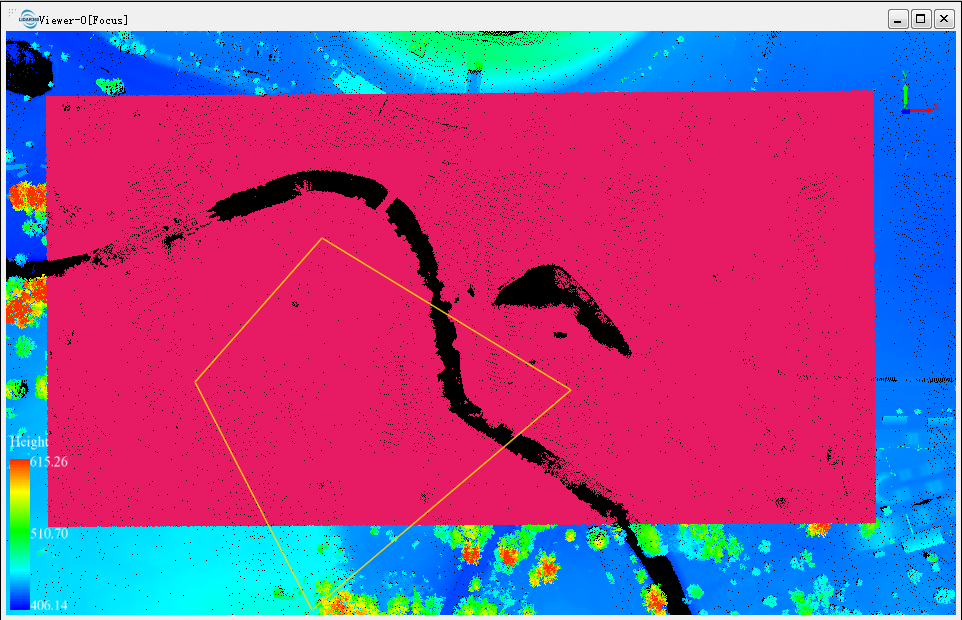
- 3.1 Select an initial selection area in the selected state.
Parameters Settings
- Shortcut key: **Ctrl + z**, and the result of previous selection is canceled.
Note: This function is only applicable to point cloud data.