Circle Selection
Functional Description: Select point cloud data in circle area. (Shortcut key: Shift+C)
Steps
- Click the function button, which is in the box selected state, to activate the function.
- Click to select the center of the circle. Move the mouse, and the position of mouse will be recognized as the boundary of the circle. And the circle will be preview in the window.
- Right-click to cancel the circle center selection. Go back to the second step and choose the circle center again.
- Double-click the circular boundary point to end the selection, and identify the point cloud in the selected area to highlight (in red).
- After one selection is over, another selection can be made on the basis of the first selection.
- Each selection area will be selected according to the state of Inverse Selection to add or subtract the selection area.
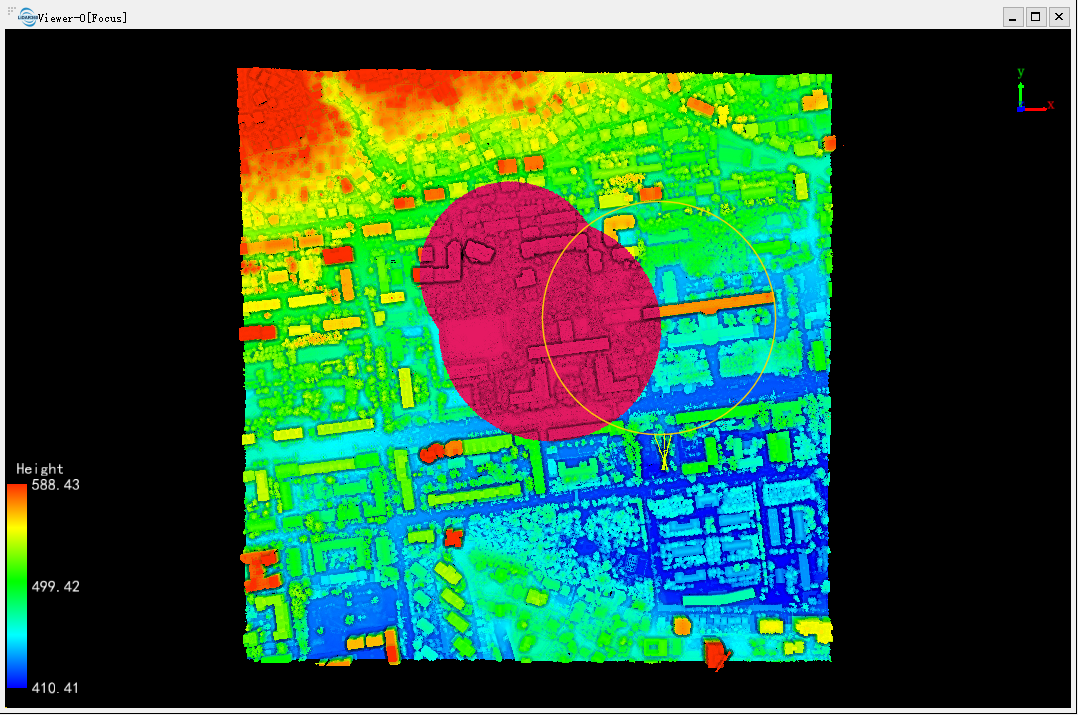
Note: This function is only applicable to point cloud data.