Sky Box
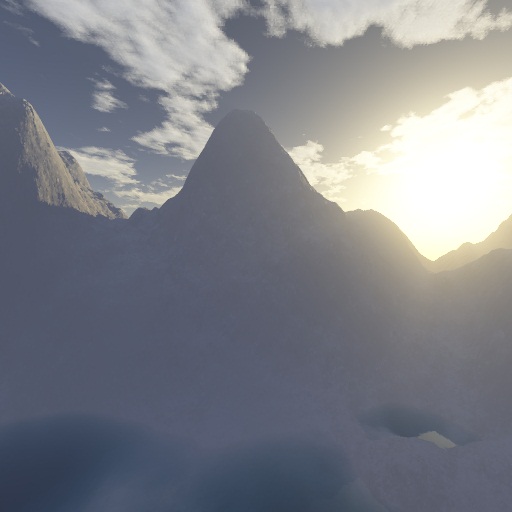
Description: When enabled, the sky background is displayed in all windows. The software provides multiple built-in sky box themes and also supports adding custom sky box themes.
Enable/Disable
Click Menu > Display > Sky Box to enable or disable the sky box display.
Sky Box Settings
Click Menu > Display > Sky Box Settings to open the Sky Box Settings dialog box, where you can manage sky box themes.
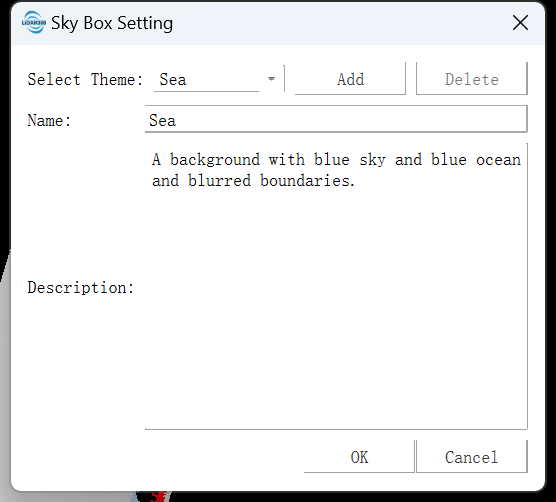
- Switch Theme: Select the theme to use from the theme drop-down list, and click OK to apply it.
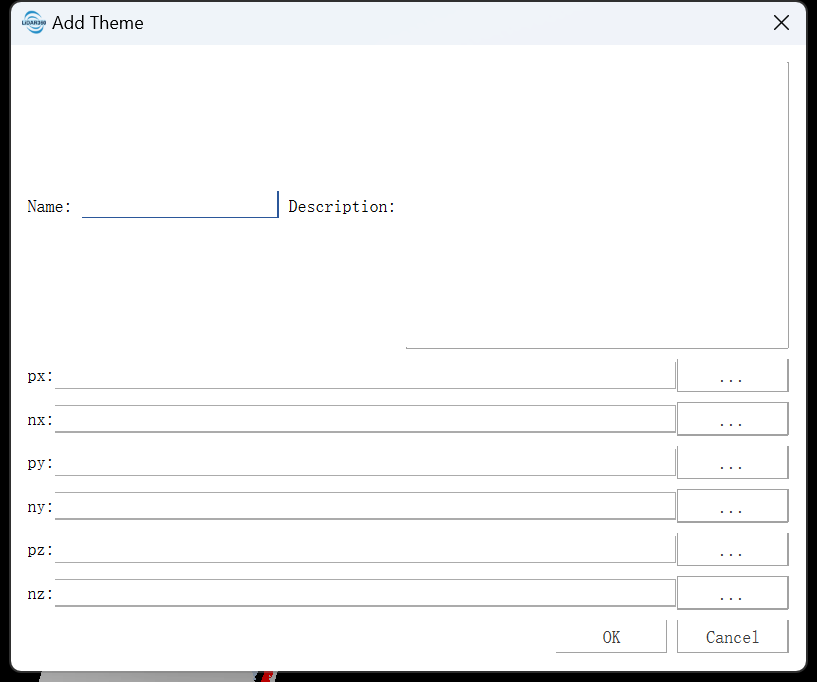
- Add Theme: Click Add to open the Add Theme dialog box, and enter the cubemap files as required.
Cubemaps can be generated using the online Panorama to Cubemap tool. The input panorama must use Equirectangular Projection and have an aspect ratio of 2:1.
- Delete Theme: Select a user-added theme and click Delete to remove it. Built-in themes cannot be deleted.