Reset Default Elements Positions
Brief: The positions of all the windows and toolbars will be restored to the default state.
Steps
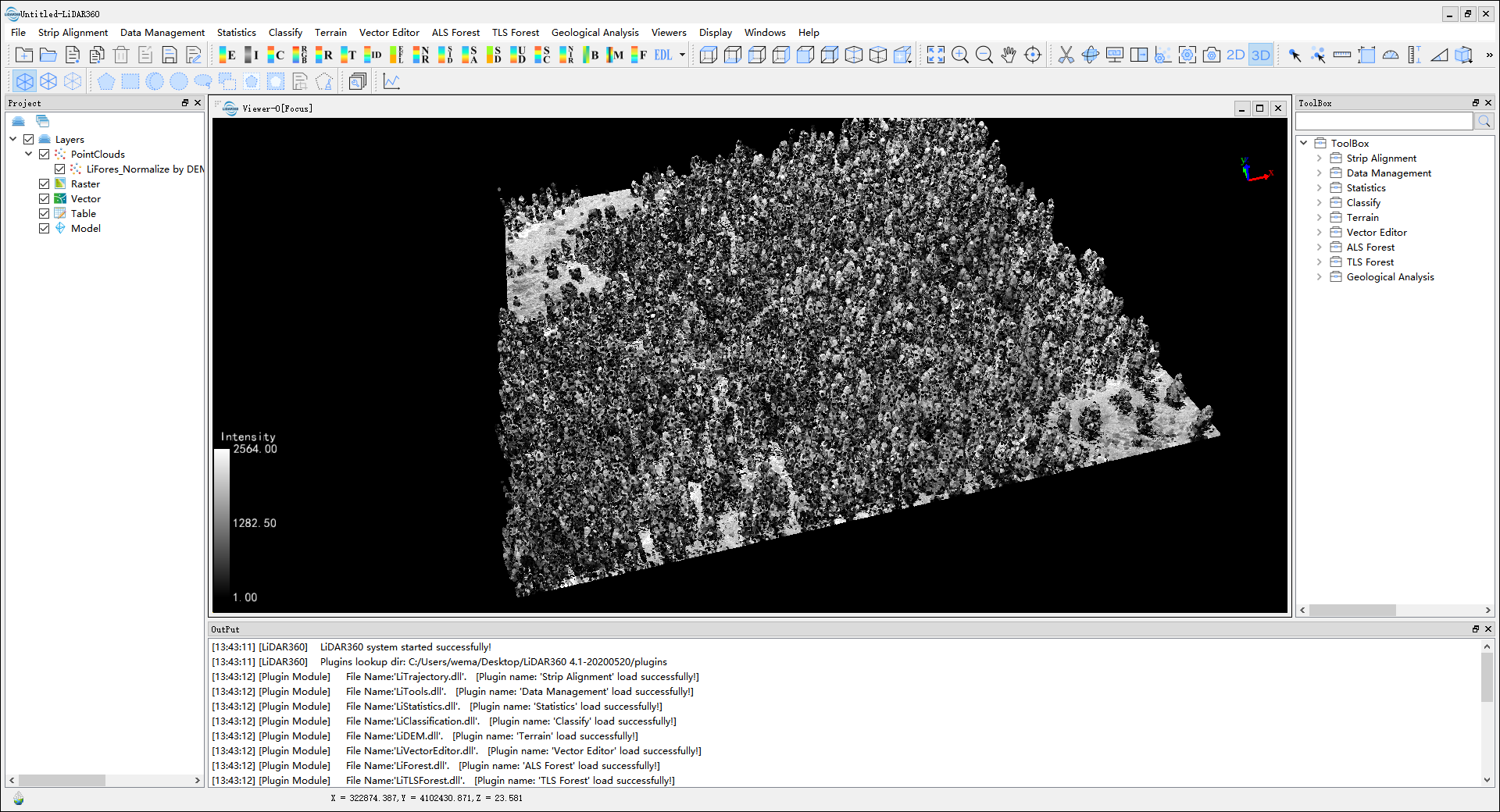
- Before the elements are reset, the interface is as follows.
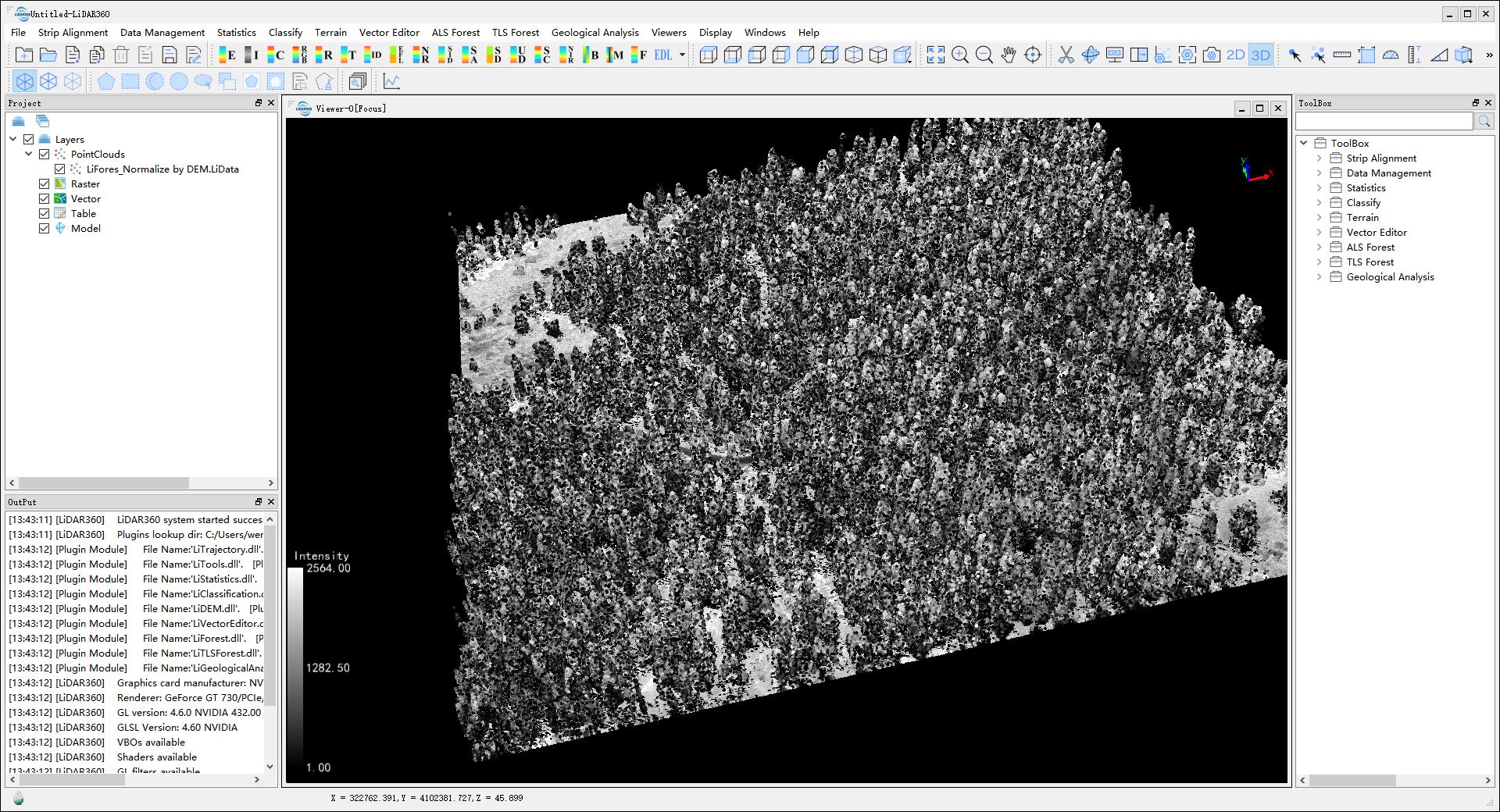
- Click the menu Display > Reset Default Elements Positions and the result is shown below.