Distress Editor
Steps
Click the Distress Editor
 button to open the following dialog box: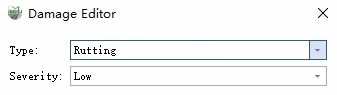
Distress Editor
Set the Type and Severity of the distress to be added.
Draw a polygon over the distress area (supports drawing in 3D, panoramic, and planar views, and allows switching between views during the process). The result will be stored in the "Distress" layer. In addition to recording the distress type and severity, the system will automatically calculate length, width, and area attributes.
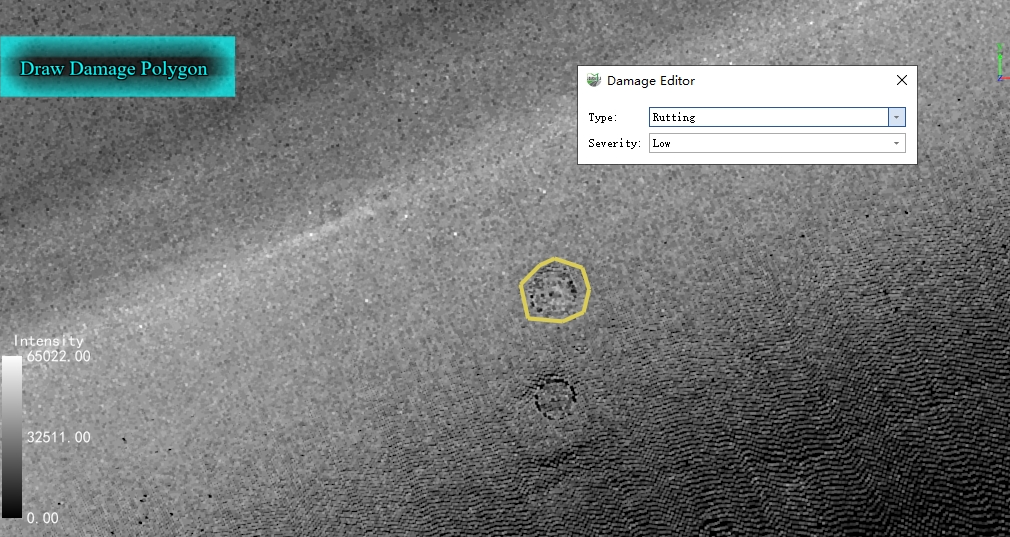
Add Distress
Note: The distress depth of individual points in the point cloud is not calculated here (as only the distress type and severity are used for PCI calculation, the depth of individual points does not affect the final PCI result).
Parameter Settings
Type: Supports the 20 distress types defined for asphalt pavements in the ASTM D6433-07 standard. By default, 13 types such as Alligator Cracking, Longitudinal Cracking, and Block Cracking are displayed.
Built-In Types: After checking, the remaining 7 types, including Rutting, Depressions, and Potholes will all be displayed.
Severity: Includes three different levels: Low, Medium, and High.