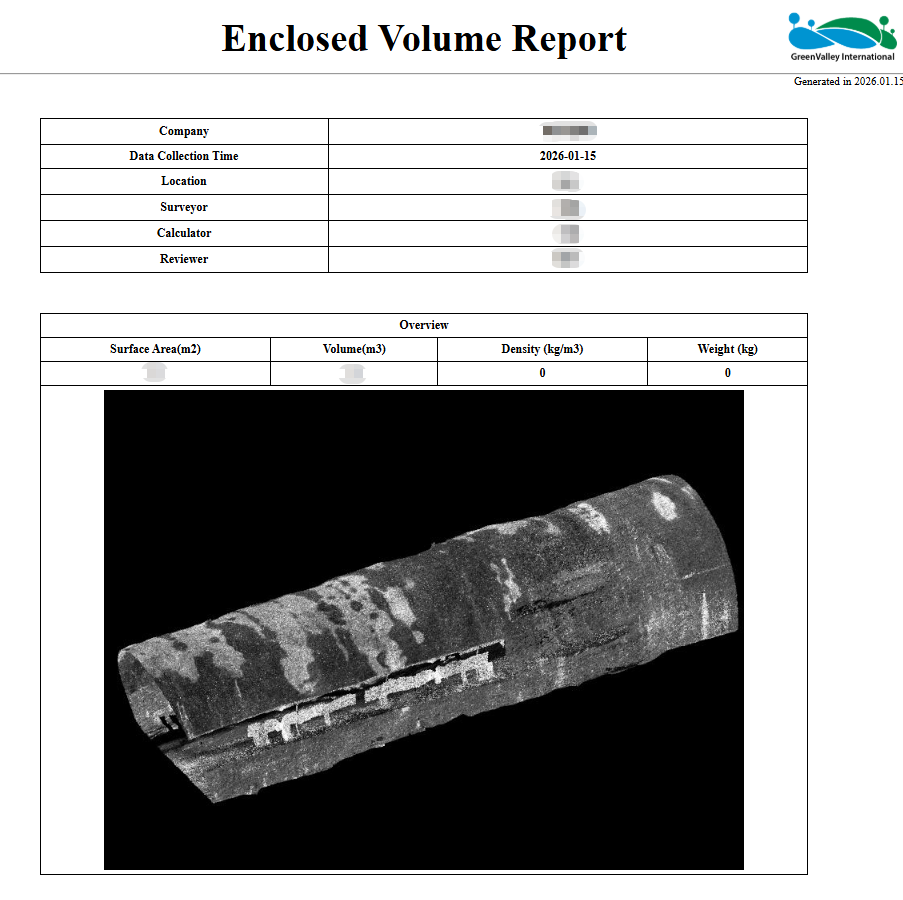
Enclosed Volume
Function Description: One-click, fully automatic enclosed volume measurement for point cloud data.
Note: This function is intended for point cloud data with enclosed characteristics, such as tunnels, small pipelines, and small objects. To ensure accuracy, redundant point clouds of other surrounding features should be manually removed in advance.
Steps
- Click Enclosed Volume
 under the Measurement menu to open the Enclosed Volume Measurement dialog.
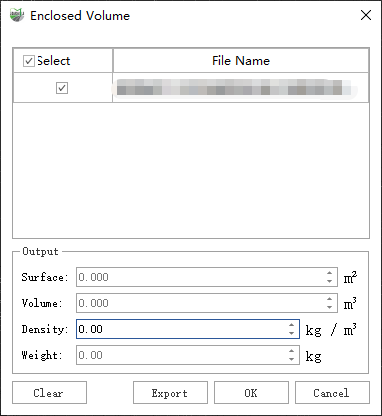
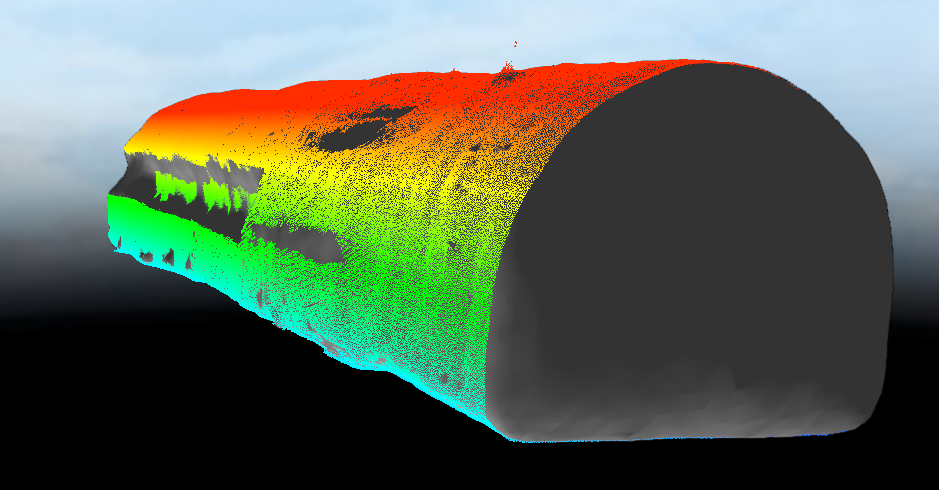
- Click OK to automatically perform the volume calculation.
- Click Export to open the information panel for the enclosed volume report. Here you can enter basic measurement information, such as measurement unit, measurement location, surveyor, logo, etc.
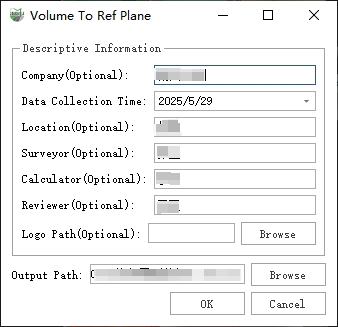
- Click Browse to select the output directory for the report. Finally, click OK to generate the final HTML report. The report includes the basic information you entered, the calculated volume value, and quality-related information.