## Start Page
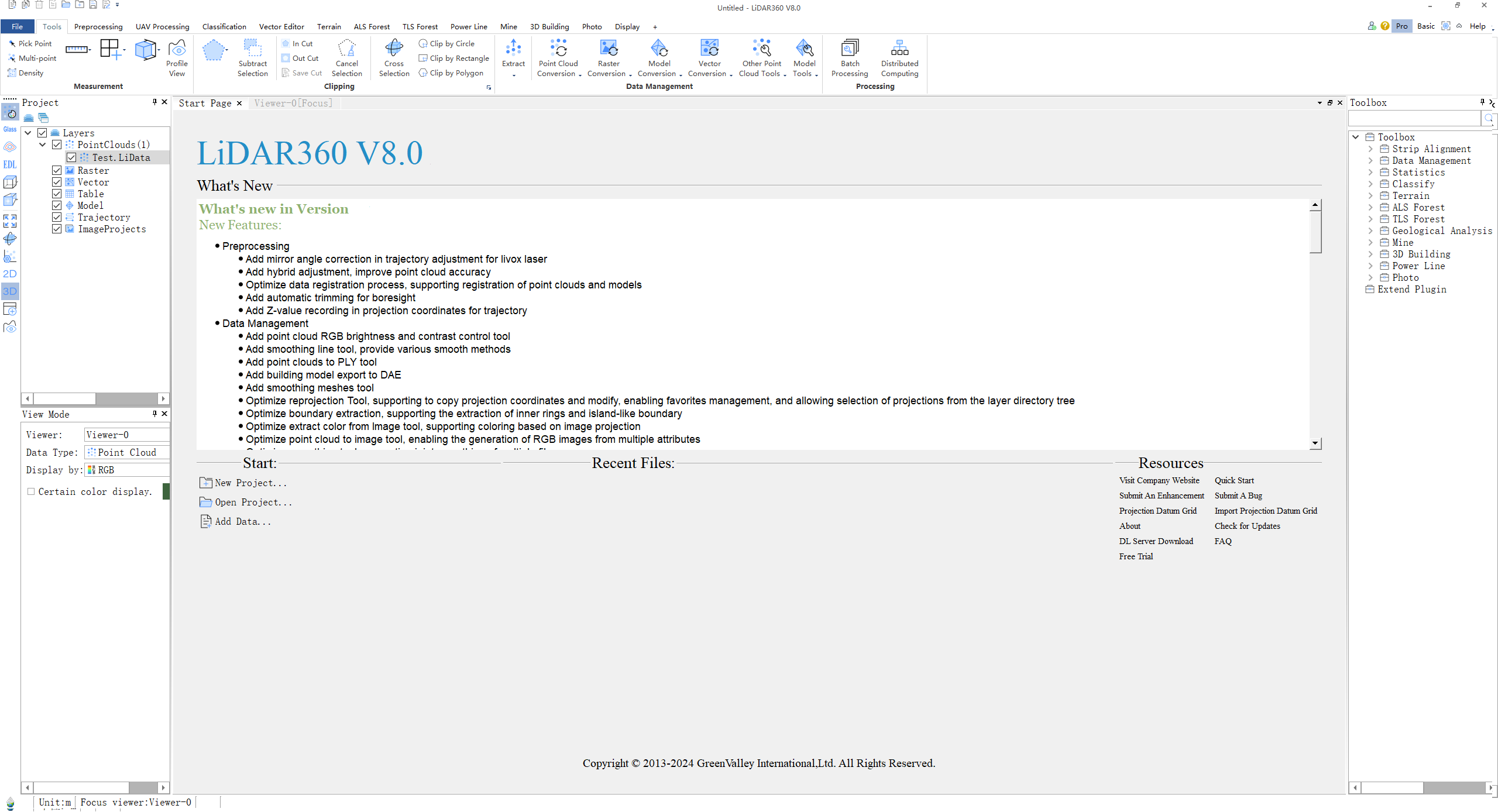
Start page is shown as figure below:
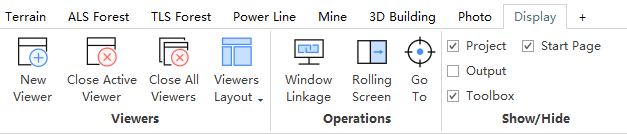
Start page can be closed by the close button. Also, users can set Start or Close Start page by checking the box in [Display]->[Show/Hide]->[Start Page].
### What's New ###
What's New shows the new features in the new version.
Start includes:
[New Project](../ProjectTools/NewProject.md),
[Open Project](../ProjectTools/OpenProject.md),
[Add Data](../ProjectTools/AddData.md)
### Recent Files ###
Recent files is shown here. Users can left-click and add the file into viewer. If there is no current viewer, a viewer will be created and the data will be added to it.
### Resources ###
Resources includes:Visit Company Website, Quick Start, Submit An Enhancement, Submit A BUG, Check for Updates, Projection Datum Grid, About.