## Window Management ##
### Summary ###
The **project windows** manage all windows(i.e. viewers) and data in windows. The user can remove data from window, edit display order by dragging data node, show/hide data in specified window by checking/unchecking the box before window/data node. The context menu(i.e. right-click menu) of data node, which differs depending on data types, is mainly used for data query, display, statistics, export, and removal, etc. These functions are effective on specified window.
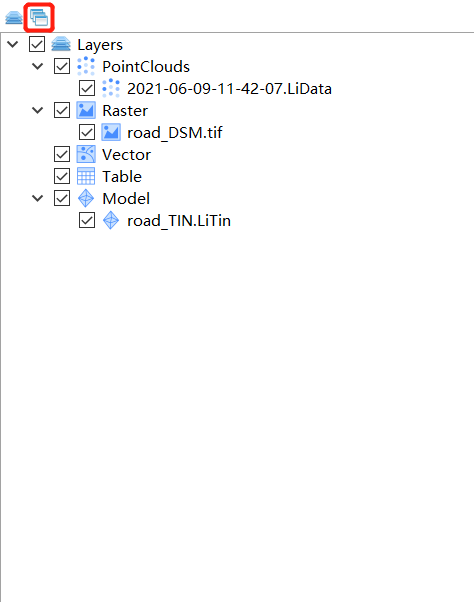
Click the  button to show the **project windows** as follows:
### Context Menu ###
Open the context menu by right clicking window or data.
#### Window Context Menu ####
- **Remove All**: Remove all data from the selected window.
#### Data Context Menu ####
- Same as [LayerManagement.md](LayerManagement.md).
> Note: The context menu of window management is only effective on specified window, while the context menu of layer management is effective on all windows.
button to show the **project windows** as follows:
### Context Menu ###
Open the context menu by right clicking window or data.
#### Window Context Menu ####
- **Remove All**: Remove all data from the selected window.
#### Data Context Menu ####
- Same as [LayerManagement.md](LayerManagement.md).
> Note: The context menu of window management is only effective on specified window, while the context menu of layer management is effective on all windows.