## Profile Viewer Tool ##

By default, profile view shows the front view of selected rectangle area. Users can change the view mode in the drop-down menu <img src="../../Icon/Profile/profileViewer.svg" alt="view type" height="20" style="vertical-align:middle"/>.

<table><tbody>
    <tr>
        <th>Icon</th><th>Description</th><th>Hot Key</th>
    </tr>
    <tr>
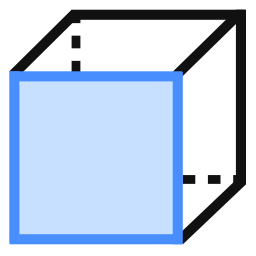
        <td><div><img width="32" height="32" style="position:relative;top:2px;left:2px" src='../../Icon/View/frontview.svg'></div></td><td>Front View</td><td></td>
    </tr>
    <tr>
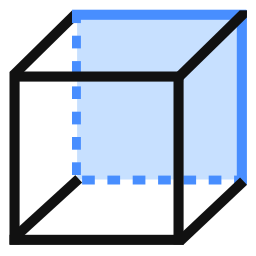
        <td><div><img width="32" height="32" style="position:relative;top:2px;left:2px" src='../../Icon/View/backview.svg' ></div></td><td>Rear View</td><td></td>
    </tr>
    <tr>
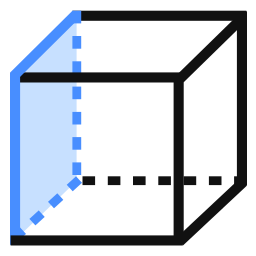
        <td><div><img width="32" height="32" style="position:relative;top:2px;left:2px" src='../../Icon/View/leftview.svg' ></div></td><td>Left View</td><td></td>
    </tr>
    <tr>
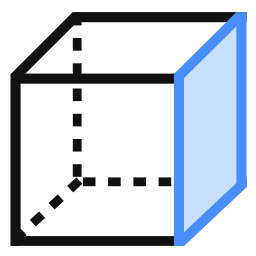
        <td><div><img width="32" height="32" style="position:relative;top:2px;left:2px" src='../../Icon/View/rightview.svg'></div></td><td>Right View</td><td></td>
    </tr>
    <tr>
        <td><div><img width="32" height="32" style="position:relative;top:2px;left:2px" src='../../Icon/Profile/RotateMouse.svg'></div></td><td>Rotate Scene</td><td>R</td>
    </tr>
    <tr>
        <td><div><img width="32" height="32" style="position:relative;top:2px;left:2px" src='../../Icon/Profile/ProfileMeasure.svg'></div></td><td>Measuring Tools</td><td></td>
    </tr>
    <tr>
        <td><div><img width="32" height="32" style="position:relative;top:2px;left:4px" src='../../Icon/Profile/ShowHideGrid.svg' height="26"></div></td><td>Grid</td><td></td>
    </tr>
	<tr>
        <td><div><img style="position:relative;top:1px;left:4px" src='../../Icon/Profile/ZStretchValue.svg' height="26"></div></td><td>Exaggerate Z</td><td></td>
    </tr>
	<tr>
        <td><div><img style="position:relative;top:1px;left:4px" src='../../Icon/File/Custom/export.svg' height="26"></div></td><td>Export</td><td></td>
    </tr>
</table>