## Denormalize ##
### Summary ###
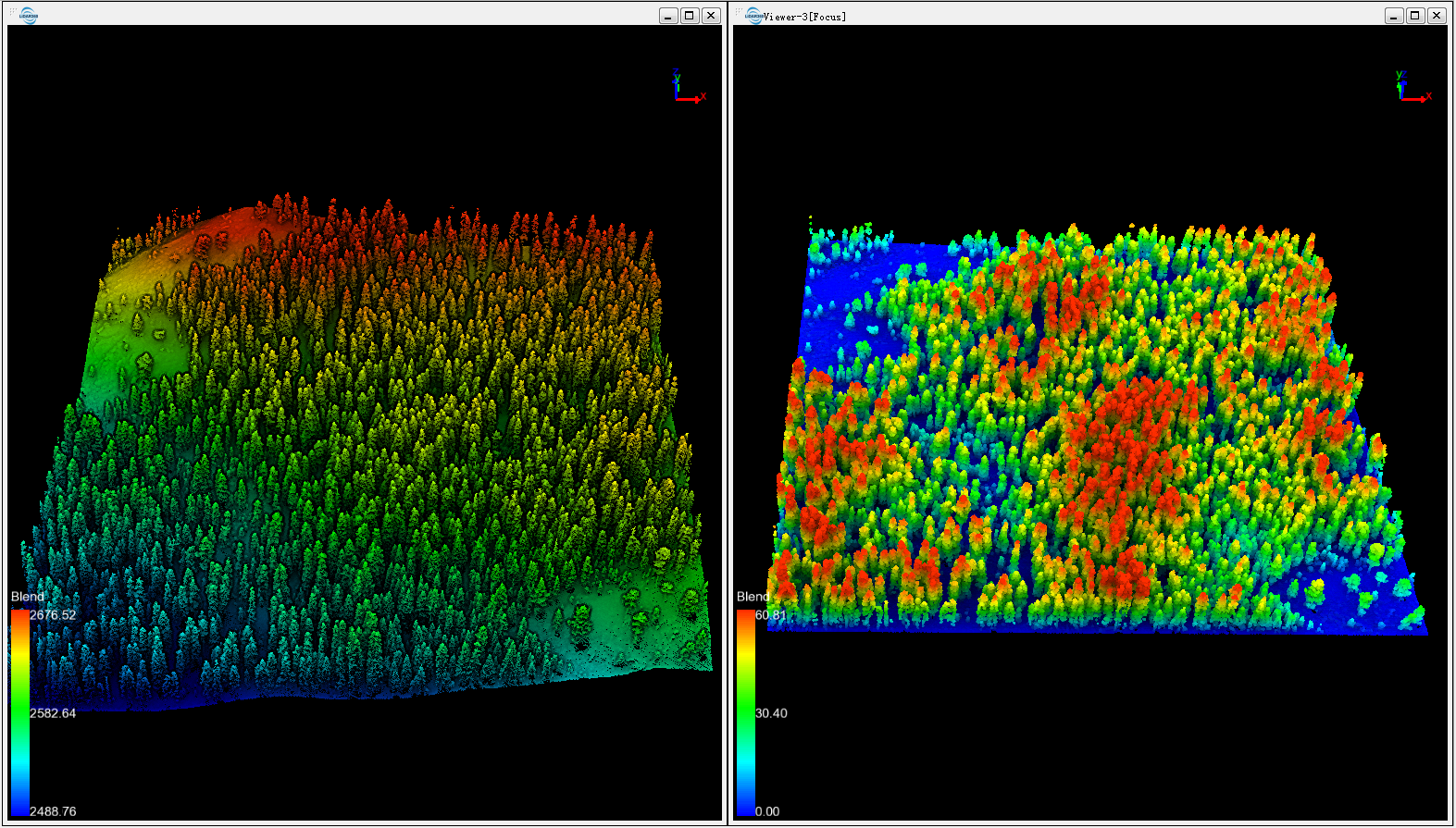
Denormalization tool can reset the Z value of the normalized data. Users need to check the option "Add Original Z Value to Additional Attributes" when performing [Normalize by Ground Points](NormalizationbyGroundClass.md) or [Normalize by DEM](Normalization.md). After denormalization, the Z value will be reset as the original Z value stored in the additional attributes.
### Usage ###
Click *Data Management > Point Cloud Tools > Denormalize*
### Settings ###
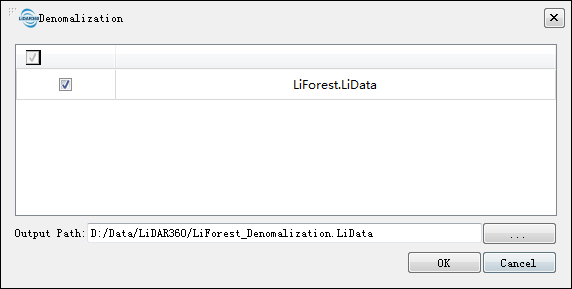
- **Input Data**: The input data could be one or more point cloud files. The input data should be in *.LiData format.
- **Output Path**: The path of the output data after denormalization. When number of input data sets is more than one, the output path should be a folder.